
What is company memory?
The knowledge Serene draws on: your company’s records, knowledge documents and text files, and facts AI Employees may keep when you allow it.
Serene answers from your company’s own records and the knowledge you switch on, showing each person only what they may open, with the sources linked.
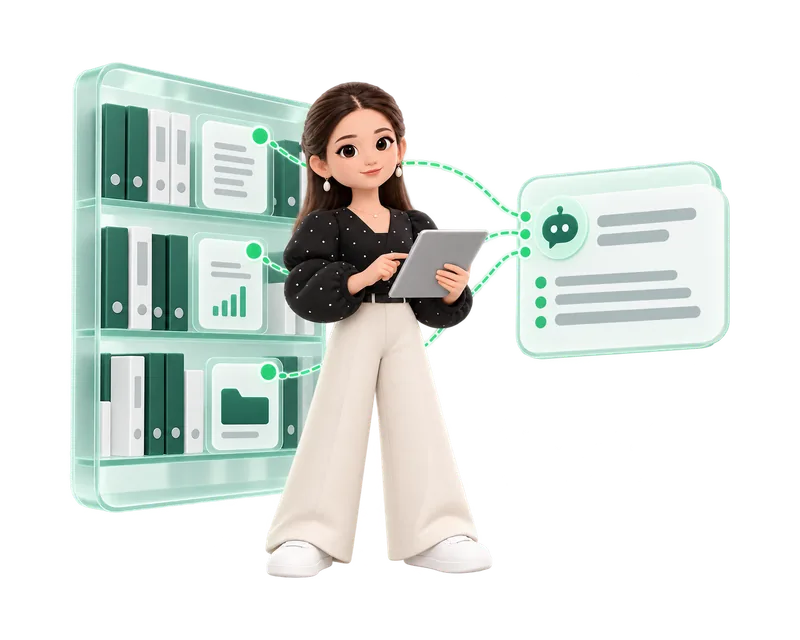
The knowledge Serene draws on: your company’s records, knowledge documents and text files, and facts AI Employees may keep when you allow it.
Knowledge documents, text files, tasks, projects, customers with their deals, ended meetings, resolved support tickets and canned replies, as your admins allow.
Each person gets answers only from records they may open. Records they cannot open are filtered out before anything reaches the AI model.
Every plan, using Serene credits.
Ask in plain language and get an answer with the records behind it.
Ask about your company in Arabic or English and get an answer, not a list of links.
Each answer lists the records it used, and each source opens the record itself.
Serene acts as the person asking. What they cannot open, Serene cannot use.
Owners and admins switch kinds of content on or off. Switched-off content leaves the index.
Serene reads knowledge documents and text files such as Markdown, CSV and JSON up to 1 MB.
Resolved tickets and canned replies help Serene and the AI Support Employee answer consistently.
Passwords, API keys and card numbers are removed from content before it is searched or sent.
Deleted, archived or unshared records stop appearing in answers.
Your Serene conversations are visible only to you, and old ones are archived after the period your company sets.
AI Employees keep facts only when you turn memory on, for the number of days you choose.
In Company administration › AI & Serene › Serene, choose what Serene may search.
Write knowledge documents or upload the text files your team relies on.
Open Serene, or use Ask Serene on a record.
Open the linked records to confirm important facts.
When Serene finds nothing you can access, she says so instead of guessing.
Each company is isolated, and the AI model never gets direct access to HyoNova’s database.
HyoNova sends the AI provider your question and the excerpts found for you, never your whole workspace.
No. Records the person cannot open are filtered out before the question reaches the AI model.
No. HyoNova’s platform team sees technical facts such as duration and cost, never questions or answers.
Delete, archive or stop sharing the record, or switch its kind of content off in AI & Serene.
Start free and ask Serene your first question.