
What are characters?
The 3D figures your team appears as in the office. Colleagues see exactly the character you save.
Every member appears as a 3D character. Start from a ready-made look, from business wear to Gulf and Iraqi formal dress, then change hair, clothes, colors, skin tone and height.
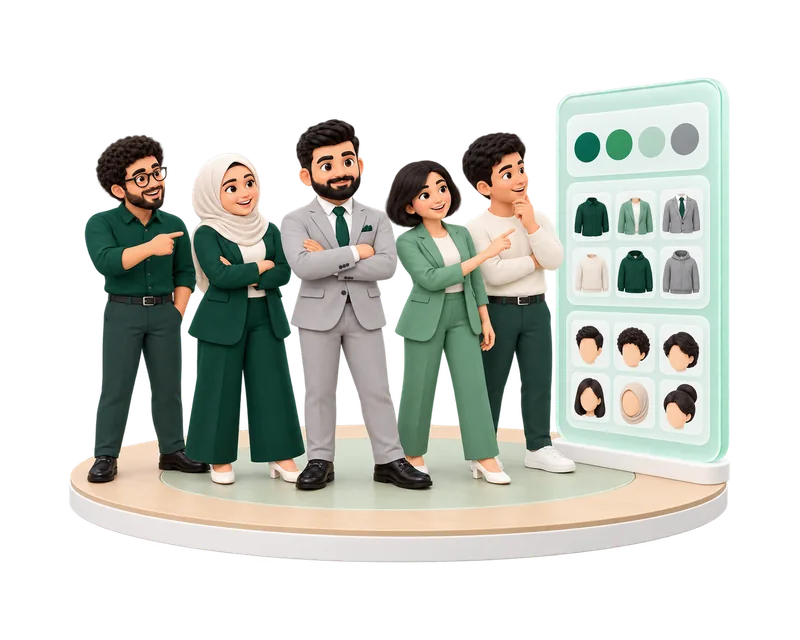
The 3D figures your team appears as in the office. Colleagues see exactly the character you save.
Each member chooses their own. Visitors pick a starting look before they enter.
Yes. Serene and AI Employees appear in the office as characters, clearly marked as AI.
Professional looks, regional dress and the details that make colleagues recognizable.
Start from a complete look such as Business, Developer, Executive, Reception, Gulf man, Abaya or Iraqi formal.
Change hair, facial hair, tops, bottoms, outerwear, shoes, headwear and accessories.
Thobe, abaya, ghutra, agal and hijab sit next to suits, jeans and hoodies.
Recolor clothes and accessories from swatches or any color you pick.
Choose a skin tone and set your height with a slider.
Turn and zoom the preview, and see the character standing, walking, sitting or waving.
Your character follows you to every office of your company.
A nameplate with your name and status floats above your character.
Move with the keyboard or a double-click, and sit on a chair from any side.
Open My character in the office or press Ctrl/⌘ K whenever you want a new look.
Choose a starting look when you join.
Change any piece, color, skin tone or height.
Choose Save appearance. Colleagues see the new look.
Open My character in the office whenever you like.
Characters and the full wardrobe are part of every plan, including Free.
Every look is complete and suited to work, so the office stays calm.
Yes. The Windows and Mac apps show the same office and the same characters.
Start free, pick a look and invite your colleagues.