
What are they?
HTTP POST requests that Hyo Mail sends to your endpoint when something happens, so your systems do not have to ask again and again.
Get signed events at your HTTPS endpoint when emails are delivered, opened or bounced, when contacts change and when store orders arrive.
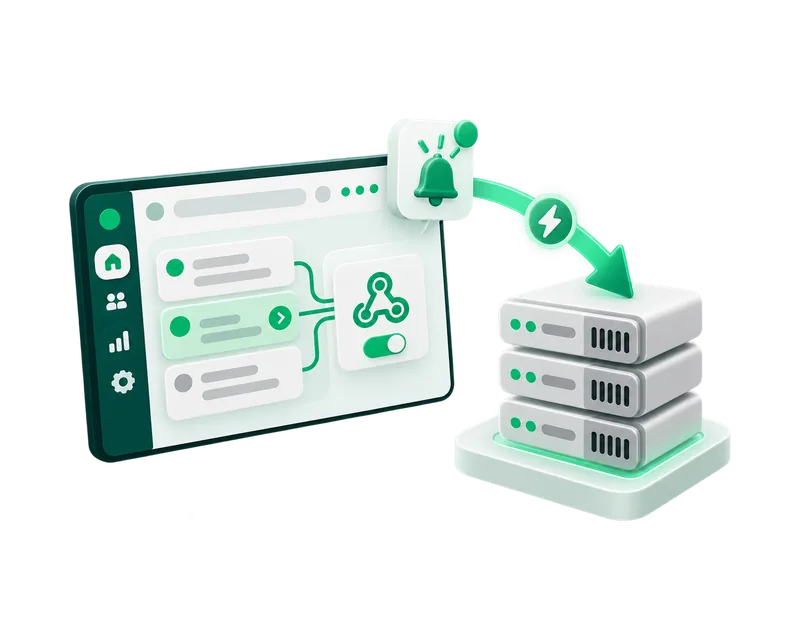
HTTP POST requests that Hyo Mail sends to your endpoint when something happens, so your systems do not have to ask again and again.
Developers who keep a CRM, a data warehouse or an app in step with email results, contacts and store orders.
Webhooks are included in every plan, together with the Mail API.
sent, delivered, bounced, complaint and failed, for transactional and campaign messages.
opened, clicked and unsubscribed for campaign recipients, and campaign.click for every click.
campaign.sent with the accepted, failed, suppressed and skipped counts when a campaign finishes.
contact.updated when a contact is created or changed through the API or a store connection.
conversion.recorded when an order or conversion is recorded or adjusted.
order.event, order.created and order.paid from a connected store.
Open Mail › Automations › Webhooks, choose New webhook and enter your HTTPS URL.
Select only the events you need. An endpoint receives only what it subscribed to.
The webhook secret is shown once after saving. Keep it in your secret manager.
Check the HyoNova-Signature header, answer 2xx within 10 seconds, and do slow work afterwards.
The signature is the HMAC-SHA256 of the timestamp and the raw body, keyed with your secret.
Up to 5 attempts in total, after about 1 minute, 5 minutes, 15 minutes and 1 hour.
For 24 hours after Rotate secret, deliveries carry signatures from both the new and the old secret.
Compute the HMAC-SHA256 of the t value, a dot and the raw body with your secret, and compare it with a v1 value in HyoNova-Signature. During a rotation, accept either v1 value.
Any status other than 2xx, no response within 10 seconds, or a network error.
Yes. Deliveries lists each one with its event, status, attempts and the HTTP status your endpoint returned.
No. Webhooks also report campaign recipients, contacts and store orders, whether or not you send through the API.
Start free and add your first webhook in Mail › Automations.