
What is a world?
One 3D office of your company, with its own rooms, furniture and address. Members enter it from the browser or the desktop app.
A world is your company’s 3D office. Start from a HyoNova office design, give it rooms with a purpose and an address your team remembers, and add more worlds as you grow.
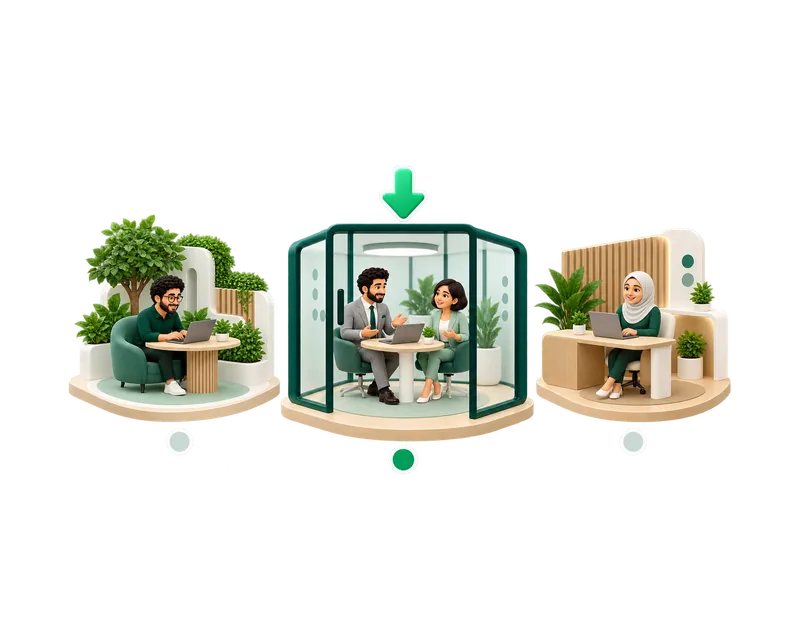
One 3D office of your company, with its own rooms, furniture and address. Members enter it from the browser or the desktop app.
Owners and admins, when the company is set up or later from the company workspace.
Yes, as visitors, and only into the areas you allow. See HyoNova Visitors.
A working office from the first minute, ready to adjust as your company changes.
Choose a HyoNova office design or start from an empty floor.
Meeting, work, social, executive, focus and lobby rooms, each with a capacity.
Start a meeting from a meeting room. Shared screens appear on the room’s displays.
Link a project to a room so its work is one walk away.
app.hyonova.com/your-company opens your default office, and each world has its own address.
Separate offices for teams, branches or events, chosen from the workspace.
Choose the background around the office and the finish of the floor.
Shape the office floor the way you need, with room name signs and clear zone outlines.
Everyone in a world sees each other in real time. The server checks movement, seats and room capacity.
Keep visitors in chosen rooms and zones, enforced by the server.
Choose an office design when you create your company.
Give the office a name and a short address.
Owners and admins rearrange it in the builder and publish.
Create another world when your plan allows, for a team, a branch or an event.
Free includes one office world, Basic 5 and Business 20. Every plan includes presence, rooms and characters.
Departments, meeting rooms and quiet areas tell people where to go without a manual.
Your logo and company name greet your team when the office loads.
A world is the whole office. Rooms are named areas inside it, with a type and a capacity.
Yes. Open an office from app.hyonova.com/start, walk around, and keep it as your workspace when you sign up.
The old address keeps redirecting to the new one.
Start free with one world and add more as you grow.