
Who controls access?
Owners and admins invite people, change roles and manage guests. Managers can invite guests to meetings and the office.
Invite members, give each a standard or custom role, set data clearance and let clients and partners in as guests with links that expire. On Enterprise: SAML single sign-on and SCIM provisioning.
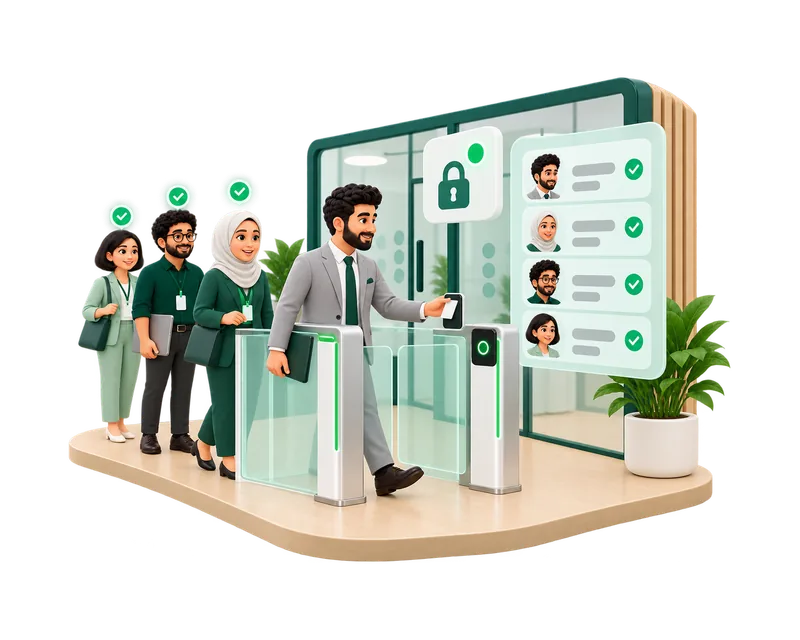
Owners and admins invite people, change roles and manage guests. Managers can invite guests to meetings and the office.
Active members and pending invitations that hold a seat. Guests, external signers and support customers never use a seat.
With their work email and password, and on Enterprise through SAML single sign-on with your identity provider. A session ends after 7 days without activity.
Owner, Admin, Manager, Employee and Restricted, each with a clear set of permissions.
On Enterprise, members sign in through your company’s identity provider.
On Enterprise, member accounts are provisioned from your identity provider.
Build permission sets in a matrix or start from templates for sales, finance, HR and support. Nobody can grant a permission they do not hold.
Public, internal, confidential or restricted; a person needs both the permission and the clearance.
Invite by email or copy the link; pending invitations stay listed until accepted.
Links valid from 2 hours to 7 days, with a use limit and optional host approval.
A private link to one meeting; the host lets each guest in.
Promote a visitor to a member with the role you choose; it is recorded in the audit log.
Every invitation, role change, custom role and removal is recorded.
Start from the standard roles or a template, and adjust permissions in the matrix.
Send invitations by email, or on Enterprise provision members through SCIM and let them sign in with SAML SSO.
Give finance or HR roles the clearance their records need.
Create guest links for visits or meetings, with expiry and approval.
Removing a member signs them out at once and frees their seat; their work stays with the company.
Roles, permissions and the audit log are included in every plan, and SAML SSO and SCIM provisioning are part of Enterprise. Office visitors need a paid plan and a visitor pass at $1 per admitted visitor; meeting guests are free.
Yes. Enterprise includes SAML SSO and SCIM provisioning, arranged with sales.
Yes. Give them the Restricted role, or a custom role with only the permissions and clearance they need.
Tasks, files and messages they created stay with the company.
No. By default, restricted finance records such as invoices are visible to owners only.
No. Guests use their link and never receive a company session.
Start free and set up your roles, or contact sales about a larger rollout.