
What is the builder?
The editor inside the 3D office. You change walls, rooms, furniture and the look of the office, then publish.
The office builder lets owners and admins draw walls and rooms, furnish the space from the HyoNova furniture library and publish the new office to the whole team.
The editor inside the 3D office. You change walls, rooms, furniture and the look of the office, then publish.
Owners and admins, on Basic, Business and Enterprise plans.
The new office is saved for the company, and everyone who enters next gets the updated office.
No. Pick a tool from the bottom bar, click or drag, and undo any step.
Practical tools for a space your team will use every day.
Draw walls and glass partitions, and click a wall to add a doorway.
Drag out a room and give it a name, a type, a wall material and a capacity.
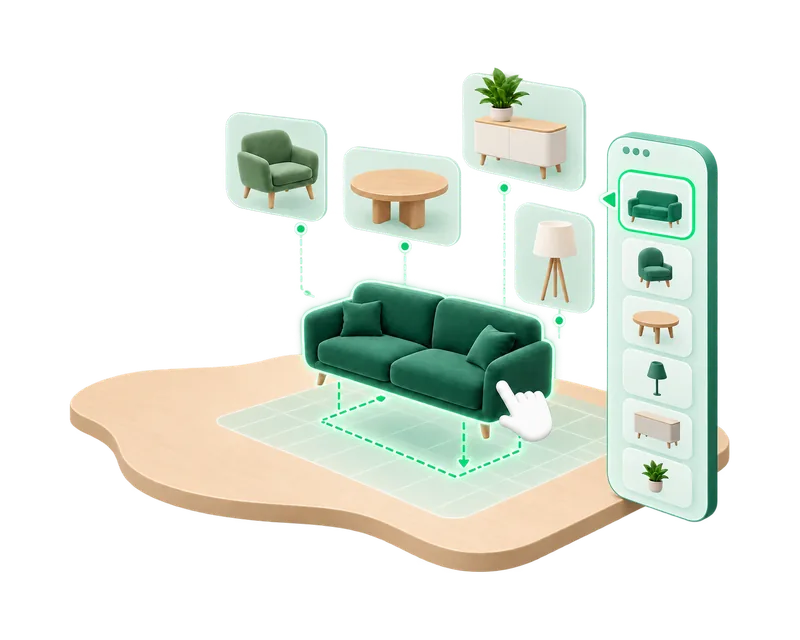
Desks, seating, plants, lighting and decor from the HyoNova Original collection, searchable by category.
Move, rotate, duplicate and delete, type exact values, and use snap, grid, undo and redo.
Chairs tuck under desks and counters, and people sit on them in the live office.
Choose the background around the office and the finish of the floor.
Shape the floor freely, show room name signs and outline zones.
Drag the floor to move the view, and zoom in to work on details.
HyoNova validates the office and warns you if a change removes a desk or area your visitor setup uses.
Each published office is a new version, recorded in the company audit log.
Choose Build office in the left rail, or press Ctrl/⌘ K and start build mode.
Draw walls and rooms, then place furniture from the library.
Walk through your changes and fix what you need before publishing.
Publish to the company. Everyone who enters next sees the new office.
The builder is part of paid plans. Free companies use their office design as it is.
You edit the same world your team works in, then publish when you are ready.
Rooms, seats and screens you place keep their functions: Meet here, sitting and shared screens.
Version checks stop two people from overwriting each other’s work.
Yes. Start from an empty floor and build every room yourself.
Yes. Owners upload the company logo as PNG, JPEG or WebP, and it appears with the company name while the office loads.
Start with a 7-day Business trial, no card needed, and build your own layout.