
What is presence?
The live status of each member: available, away, do not disturb or offline, a custom status such as “In a meeting” with an end time, and the room they are in.
Presence shows each colleague’s status and where they are in the office, in the 3D world and in the company workspace, so you know when to talk and when to wait.
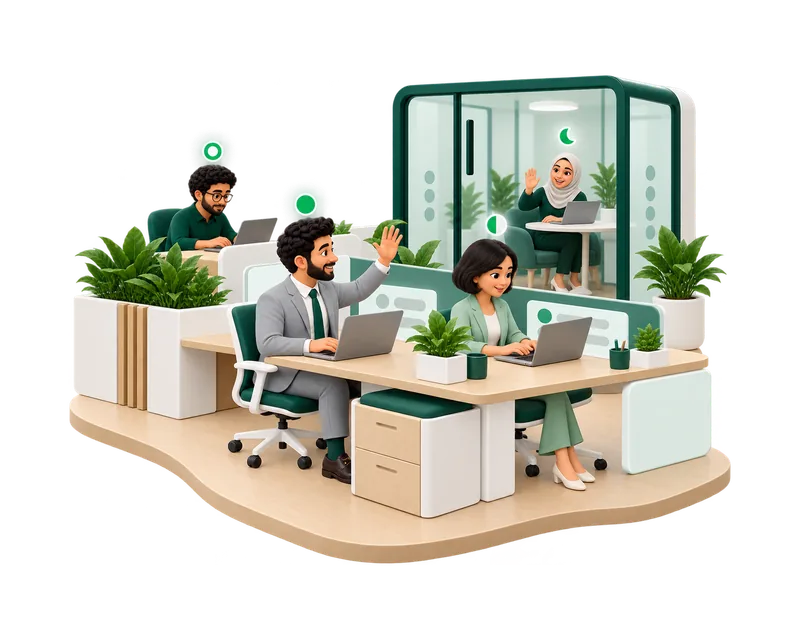
The live status of each member: available, away, do not disturb or offline, a custom status such as “In a meeting” with an end time, and the room they are in.
Members of your company see each other. Visitors see only the people in the areas they visit.
On nameplates in the 3D office, on the office map, in People and in chat.
Clear signals before you call, walk over or send a message.
Available, away, do not disturb or offline, with the same dot everywhere, plus a custom status such as “In a meeting” with an end time.
See which office and room a colleague is in, and walk there from the map.
Names and status dots float above the nearest colleagues, with a speaking icon while they talk.
Calls stop ringing and office voice pauses, while messages still arrive.
Add a short status with an emoji and an end time, such as “Back at 2 pm”.
See a colleague’s local time and working hours before you call.
Approved leave shows as “Away until” with the return date.
Silence chat alerts at set hours and still catch the words that matter to you.
From a nameplate or People: message, call, go to the person or open their profile.
Pick a status from the top bar, or add a custom one with an end time.
Open People or look around the office to see who is free.
Walk over, message or call, depending on their status.
Turn on Do not disturb when you need quiet. Messages wait for you.
Presence comes with the office and the workspace on every plan, including Free.
Presence shows availability. HyoNova does not score activity or track what people do on their computers.
The room, local time and leave tell you more than a green dot.
Calls do not ring, office voice pauses and nameplates around you are hidden. Messages still arrive.
Start free and invite your team to the office.