On this page
An agency reduces fragmentation when the client, agreement, project, reviewer and accepted deliverable remain connected. The goal is to preserve ownership, approved versions and context across sales, delivery and finance, rather than move every specialist tool into one subscription regardless of fit.
This is an illustrative 15-person agency workflow, not a customer case study. Images are real demo-company captures from production version 87663bba1 on 28 October 2026. We distinguish HyoNova's operating workflow from specialist capabilities that may remain elsewhere.
Map one client journey first
Stage | Primary record | Accountable role | Exit condition |
|---|---|---|---|
Enquiry | Customer and opportunity | Sales owner | Initial scope and next contact |
Agreement | Approved document and signature request when needed | Authorized approver | Scope, price and approvals established |
Delivery | Project, milestones and tasks | Project manager | Owner, date and acceptance criteria |
Review | File, comments and decision | Named reviewer | Accepted version or documented changes |
Collection and support | Invoice, payment record and ticket if required | Finance and support | Collection and post-delivery follow-up |
1. Keep sales context with the customer
Record the company or person, contact route, request and next step. “New client” is not enough. Preserve the enquiry source when available, distinguish prospects from contracted clients and assign follow-up. A private staff conversation should not be the only surviving agreement record.
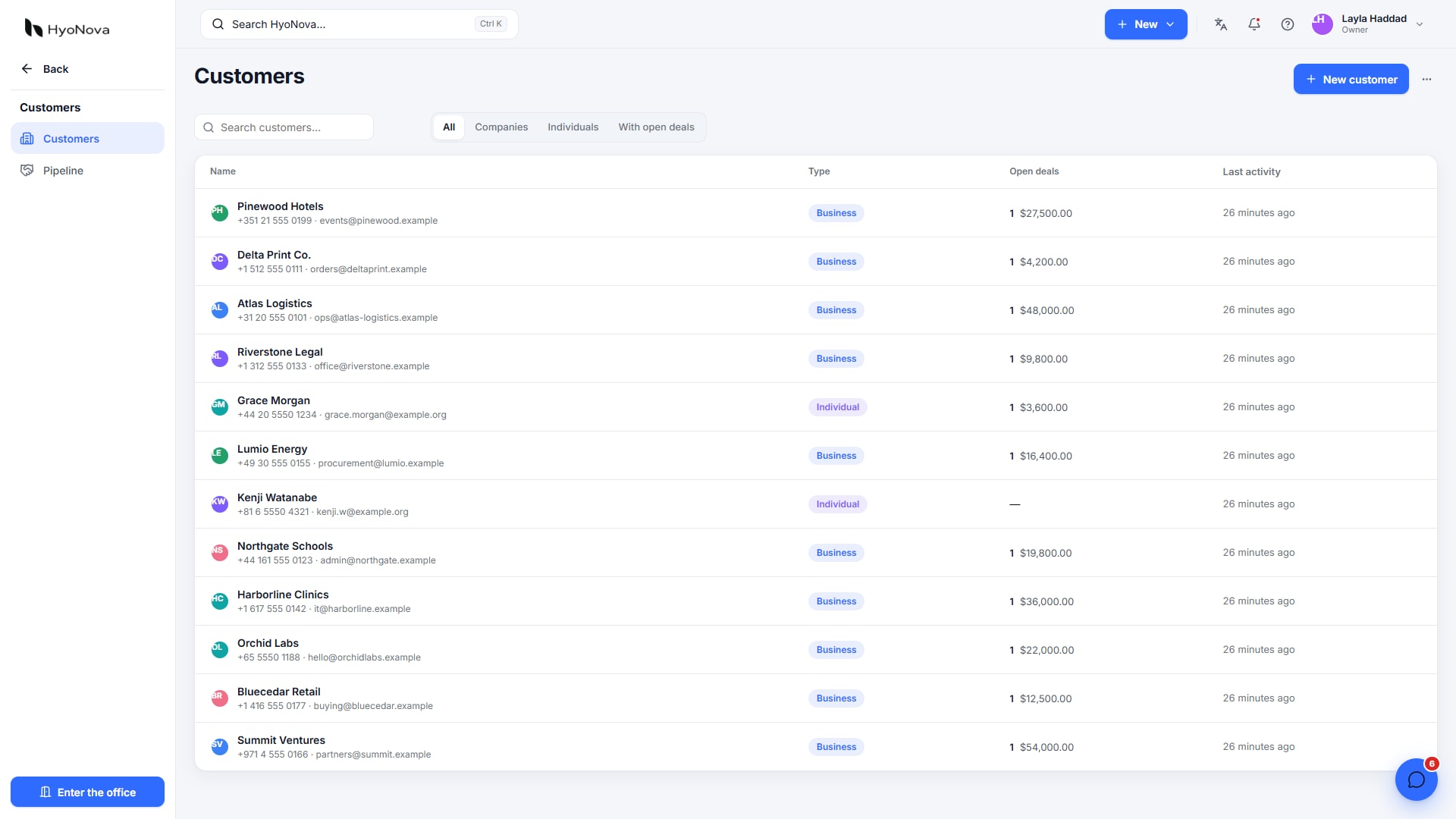
Actual product capture from a local demo on production version 87663bba1, captured on 28 October 2026. Fictional data.
When a deal is won, create the project and link the customer and requirements. HyoNova documents ready-made deal-to-project automation, but configure and test the trigger and field mapping. Do not assume imports or automatic synchronization with an outside CRM without verifying that particular integration.
2. Separate agreement from execution
Define deliverables, revision rounds and change approval before design starts. If using HyoNova Sign, the billing unit is a signature request, which can include several signers. Check that the signature type suits the document: a simple electronic signature is not automatically an advanced or qualified one.
Keep the accepted document in an authorized location and assign ownership of later scope changes. Scattered comments should not silently become additional work with no agreement.
3. Plan around deliverables
Create milestones and tasks whose titles describe an output. Add an accountable owner, deadline, dependency and brief. Multiple people may contribute, but the project manager needs one person responsible for follow-through. Sending a file is not final acceptance when client approval remains outstanding.
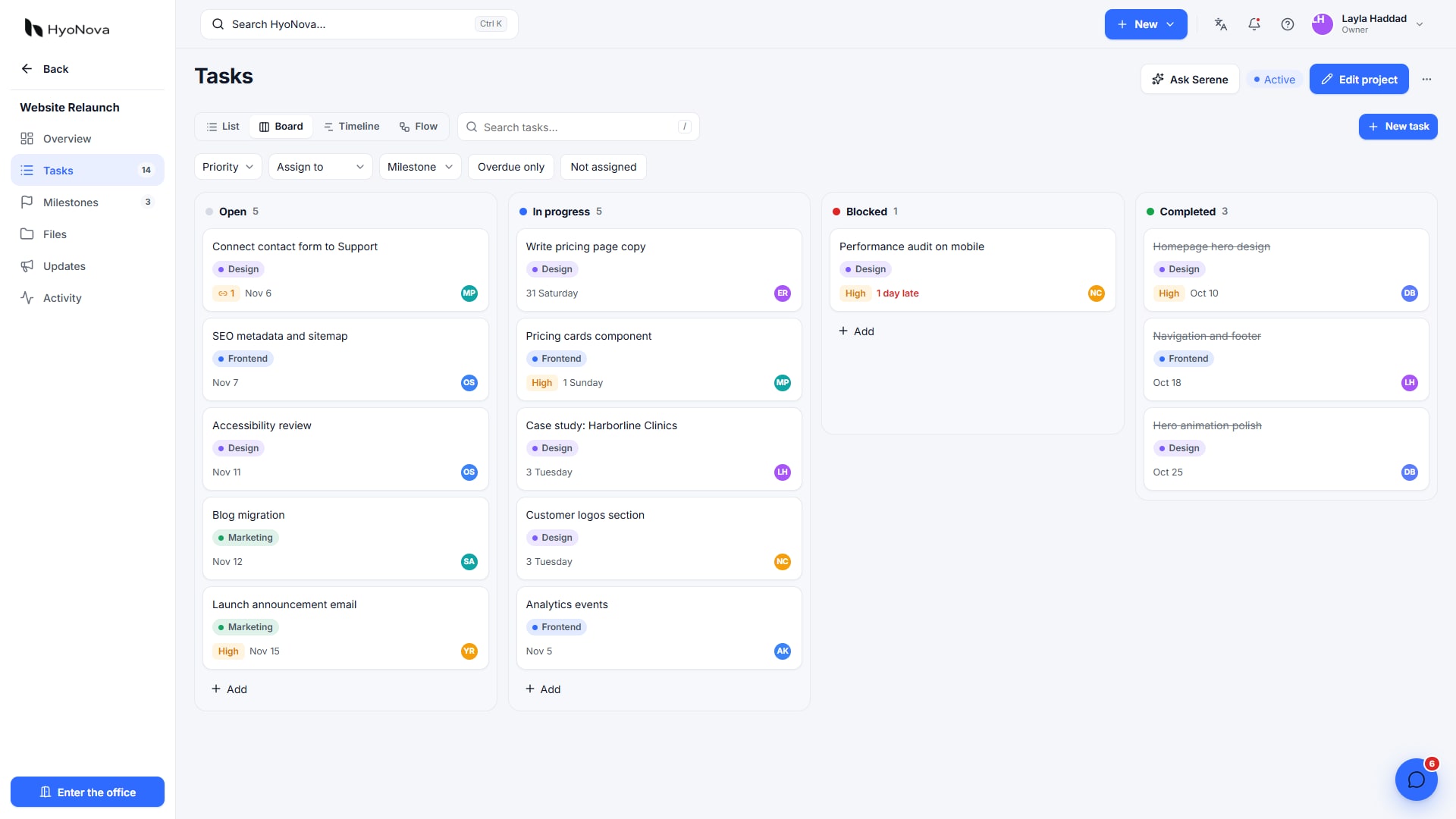
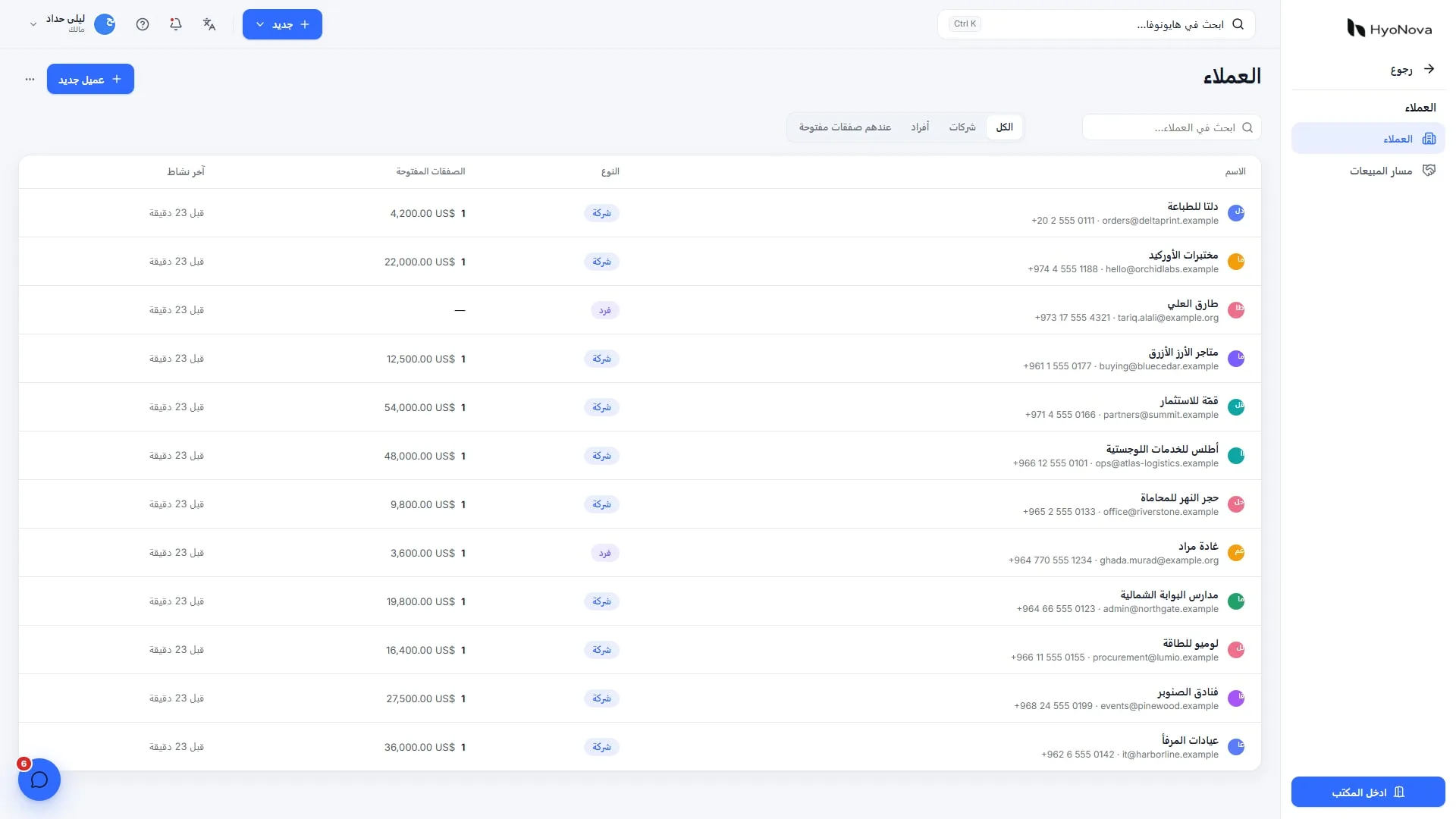
Actual product capture from a local demo on production version 87663bba1, captured on 28 October 2026. Fictional data.
Use the virtual office to resolve a blocker, then record the decision in the project. Connected time is not productive capacity. Check leave and workload before promising dates and preserve asynchronous work across time zones.
4. Organize file review and outside access
Identify the source file and review version, and collect comments against the deliverable. Test external access rather than granting broad membership to review one file. Use a restricted account or guest check before sharing, and verify attachment and storage limits for large files.
Design, video and specialist asset tools may remain outside the management workspace. Link the accepted output and its review context. Organizing responsibility is different from replacing every content-creation tool.
5. Finish invoicing, collection and support
HyoNova documents invoices, receivables, partial payments and multiple currencies. That is not full accounting, payroll or local tax filing. Decide who records payments, how records reconcile with the approved finance system and when the project is commercially closed.
After delivery, keep support requests in a shared, accountable record. A configured AI Employee can handle repeatable questions and escalate exceptions, but should not automatically approve extra work, refunds or discounts. Hyo Mail campaigns also require appropriate permission and subscription handling; a customer record is not automatic marketing consent.
An illustrative 15-member budget
On monthly billing, Basic is 15 × $6 = $90 and Business is $225. Optional example purchases are 10,000 emails for $9 and 25 signature requests for $9. Adding a $149 AI Support Employee gives an illustrative cash total of $257 on Basic or $392 on Business, before tax and other services. These are different purchase and capacity units, not all recurring monthly consumption.
Check current pricing. Mail and Sign welcome balances are once per company, not monthly or per employee. Purchased usage packs expire, and outside providers may have fees. Do not advertise subscription savings before comparing the agency's actual invoices and requirements.
Pilot one client
Choose a lower-risk project and establish a baseline for finding files, waiting for approvals and rework caused by missing context. Run the cycle and compare recorded results rather than assuming a savings percentage. Keep exports and a rollback route before cancelling existing tools.
Review CRM, Work, Finance and Support. The workspace fits when context transfer decreases and accountability remains clear; specialist accounting, deeper industry requirements or unavailable integrations may justify additional software.