On this page
An AI receptionist in a virtual office welcomes visitors, answers from authorized company knowledge and hands conversations to a person when knowledge or authority runs out. A useful reception experience needs clear entry, exit and escalation, not only an attractive avatar.
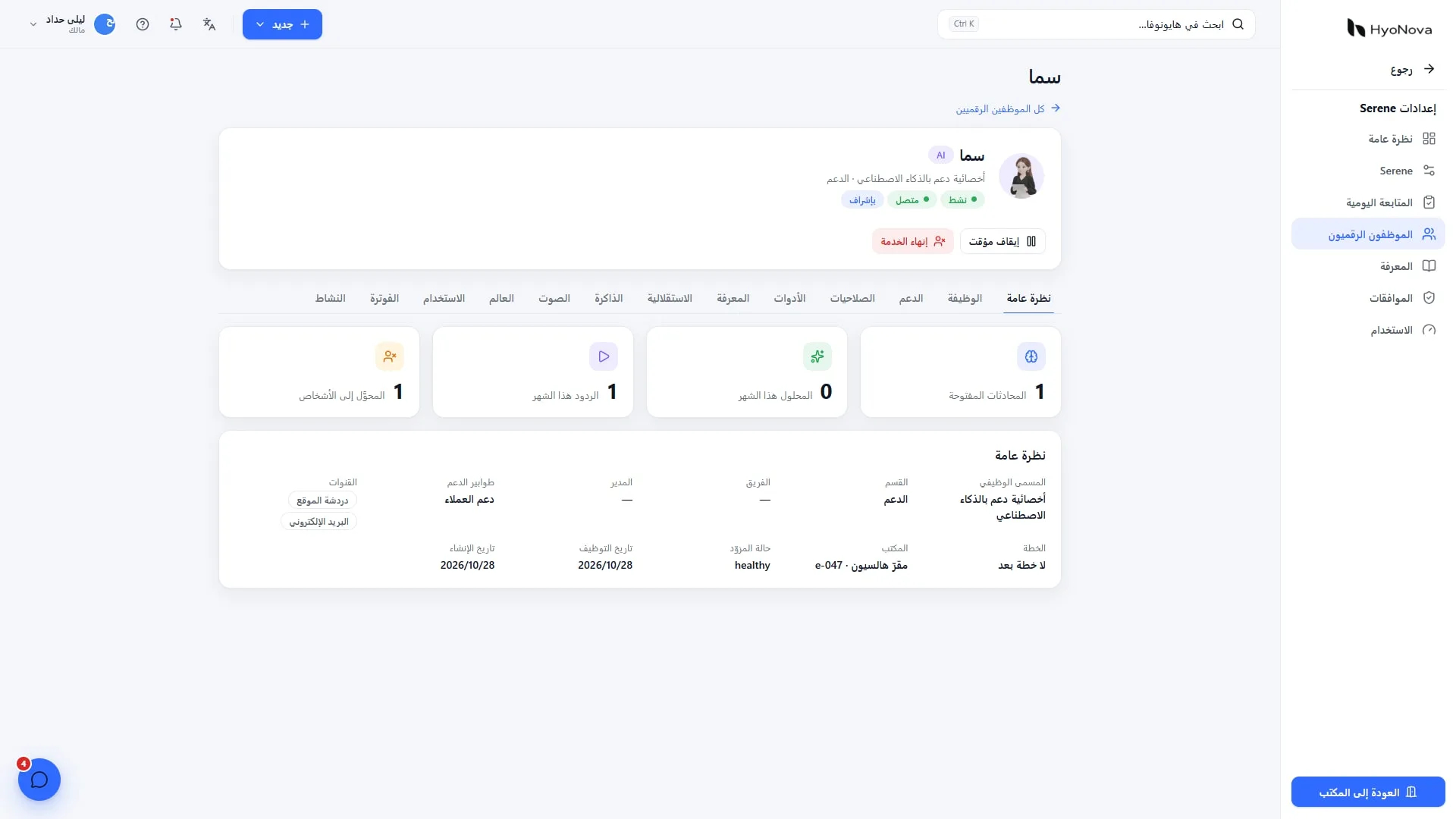
This guide covers HyoNova office visits, not public telephone reception. Images come from a local demo on production version 87663bba1, captured on 28 October 2026. AI wording in the demo is scripted and is not an accuracy or resolution-rate test.
How a visitor enters
Publish the public-office link after configuring visit rules. A visitor provides a name and consents to the visit terms, with automatic admission or host approval according to company settings. A visitor is not an employee and need not become a company member to reach an authorized destination.
Define visit purpose, duration and accessible areas. Explain the written alternative if audio cannot start. Opening a public office before preparing reception ownership and approved knowledge simply moves confusion into a 3D space.
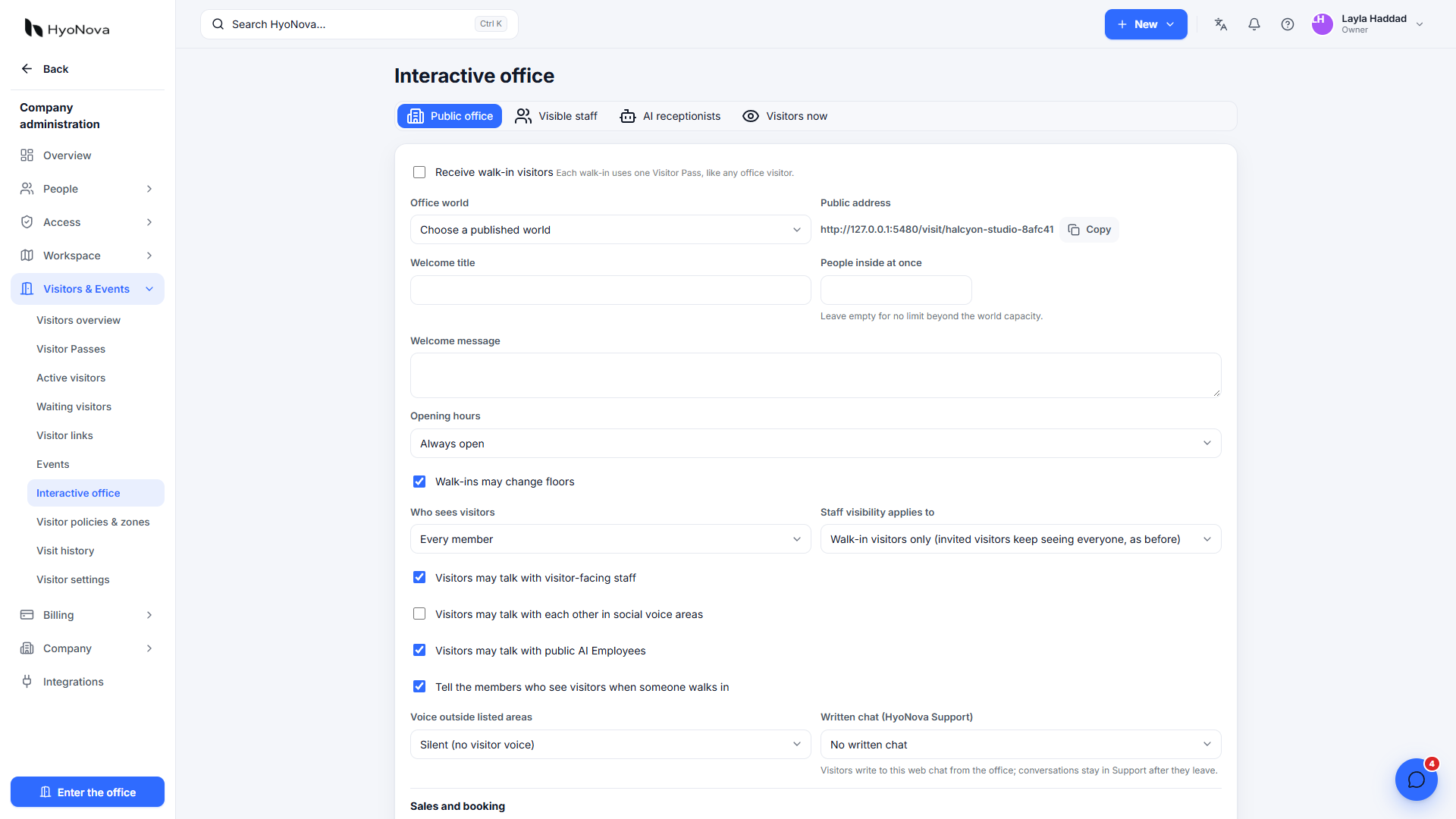
Actual product capture from a local demo on production version 87663bba1, captured on 28 October 2026. Fictional data.
What the digital receptionist can do
The published visitor workflow describes an AI Employee answering published help and pricing questions at a desk, with human handoff. Begin with bounded questions: what does the company offer, which published plan applies, where is the guide and how can someone contact the team?
Do not grant broad access to contracts and employee files merely because the receptionist faces the public. Knowledge suitable for staff may be inappropriate for an unidentified visitor. Maintain a separately reviewed source set and name the person who updates it when pricing or policy changes.
Human handoff is part of the product
Situation | Reception behavior | What the person needs |
|---|---|---|
Documented service question | Bounded answer with the appropriate reference | Question and previous answer when following up |
No reliable source | Acknowledge uncertainty and hand off | Original question and what was checked |
Negotiation or price exception | Route to an authorized person without promising terms | Visitor context and request |
Complaint or sensitive request | Use the company's approved escalation path | Only authorized conversation and file context |
Team unavailable | Explain the available follow-up route | A recorded request, owner and internal follow-up target |
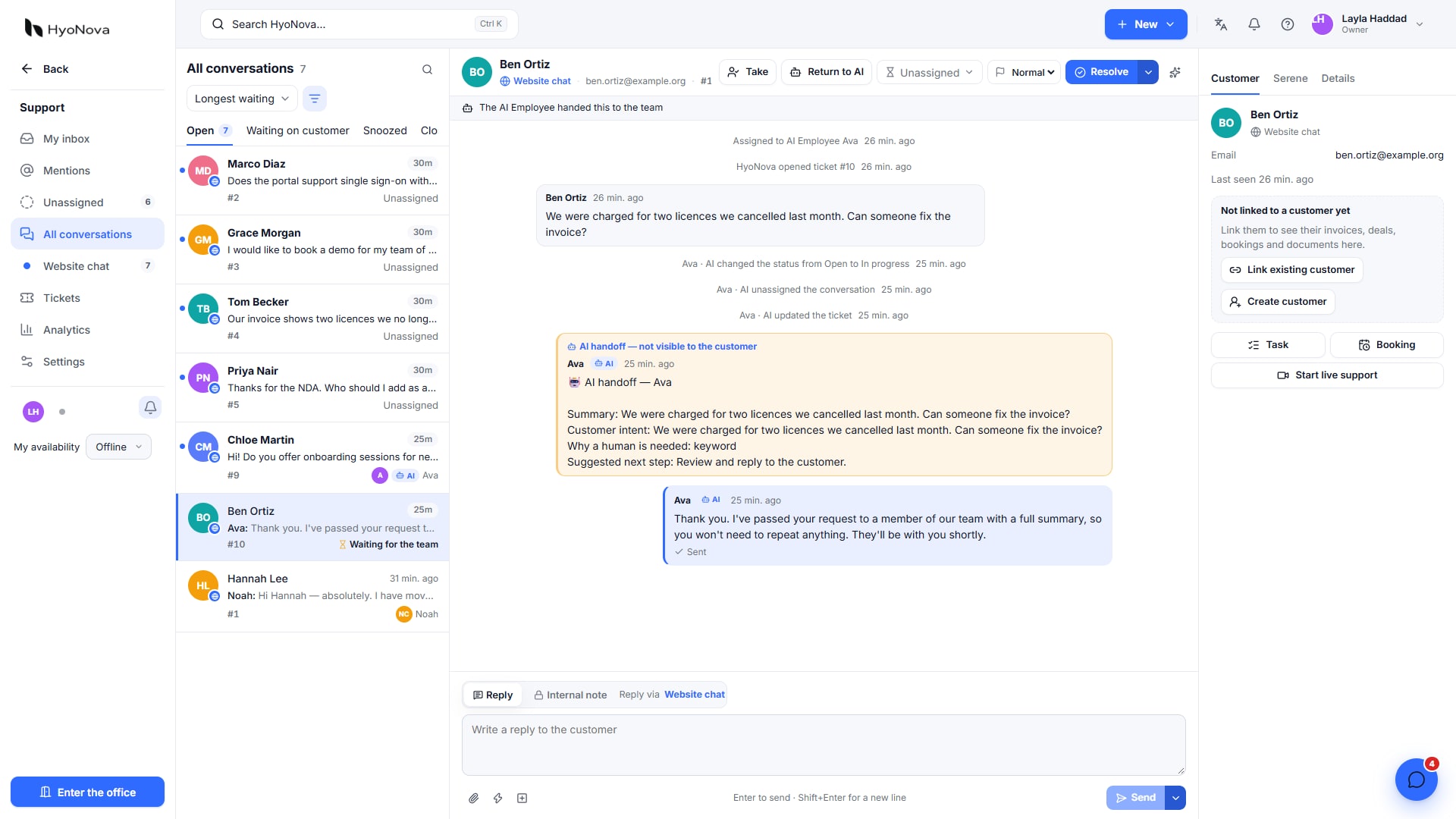
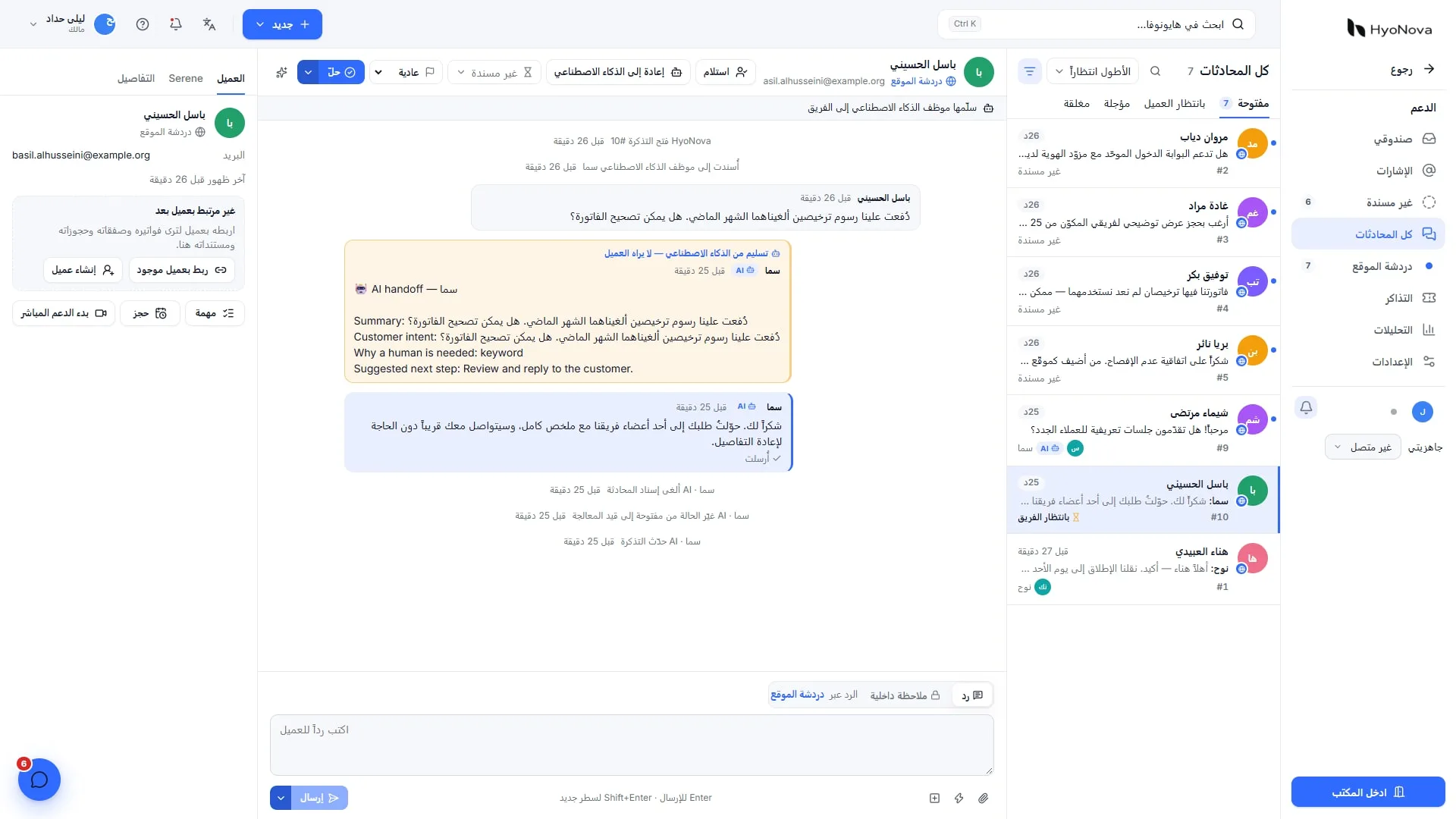
Actual product capture from a local demo on production version 87663bba1, captured on 28 October 2026. Fictional data. AI responses are scripted for demonstration, not an evaluation of model quality.
A visitor should not have to repeat the story after handoff. Give the receiving team permitted context. The documented written conversation continues in HyoNova Support. Test voice transitions and staff availability against office settings instead of promising an immediate human answer to every call.
Budget for three cost layers
Team plan: seats for people operating the company, with relevant office and service capacities.
Public-office admission: published pricing is $1 per admitted visitor pass, valid for 12 months. Meeting guests are a different category.
AI Employee and usage: the published Support Employee price is $149 monthly or $1,428 annually, including 500 AI-resolved outcomes and 300 in-world voice minutes each month.
For an illustrative usage budget, 50 admitted visits consume $50 of pass value at the published unit rate, in addition to the AI subscription and team plan. This is not an invoice quote or a promise about minimum pack sizes. Confirm purchase sizes, taxes and account activation. Voice minutes are within the virtual world, not telephone or WhatsApp calling minutes.
Verify that activation is available to your company before committing. A demo environment's badge does not establish universal production availability. The AI Support Employee page defines outcomes and add-on pricing.
Test before opening public reception
A new visitor understands they are speaking with AI and can find the human route.
A sourced question gets the approved answer; an unsourced question does not produce invented facts.
A private-data request is denied or escalated under policy.
Audio failure leaves an understandable available written route.
Handoff reaches the team with context, including an unavailable-staff case.
Visit access and audio end under the intended rules.
Consent, cost and complaints remain visible only to appropriate roles.
Use fictional records and Arabic and English questions. Separate handoff testing from model-quality testing: success in one does not establish the other. Older internal test reports do not establish every new release's behavior.
Privacy and trust
Explain why visitor data is collected and how it is retained. A general service question should not require identity documents by default. Review security and AI data use. Calls are encrypted in transit, not end to end; do not describe them as technically inaccessible to the service provider.
See the concept, then test the workflow
The official English product overview introduces the product. It is not an independent reception benchmark or proof of AI accuracy. Use current screenshots and documentation for the present workflow and run the acceptance checks above. Start with visitor and reception settings and appoint a human escalation owner before sharing the public-office link.