On this page
The best virtual office for an Arabic-speaking team supports complete work in Arabic and English without ambiguity in direction, dates or permissions. A translated landing page is not enough. Arabic chat messages alone do not establish localized administration, reports or guest entry.
HyoNova has Arabic and English interfaces. Images show the production version 87663bba1 captured with fictional demo data on 28 October 2026. We have not tested every competitor's Arabic workflow in an account, so unverified does not mean unsupported.
What was verified and what still needs a trial?
Platform | Evidence in this review | Next step before selecting it |
|---|---|---|
HyoNova | Real Arabic and English captures of navigation, people, projects and roles | Run a complete device-specific workflow and assess the limitations below |
SoWork | Product and pricing reviewed; in-account localization not verified here | Test Arabic UI, guest experience and outputs |
Gather | Old-version images do not establish current behavior | Test the current interface, mixed content and dates |
Kumospace | Full Arabic workflow not verified in this review | Check navigation, communication, search and administration |
WorkAdventure | Arabic map content does not establish localization of every administrative tool | Check map, embedded tools and administration separately |
Roam | A complete Arabic account workflow was not verified here | Check communication, search, meetings and required AI outputs |
This is an evidence checklist, not a ranking based on invented test results. Use the six-platform price and workflow comparison to shortlist, then decide using language, devices and actual work.
1. Test RTL beyond the home screen
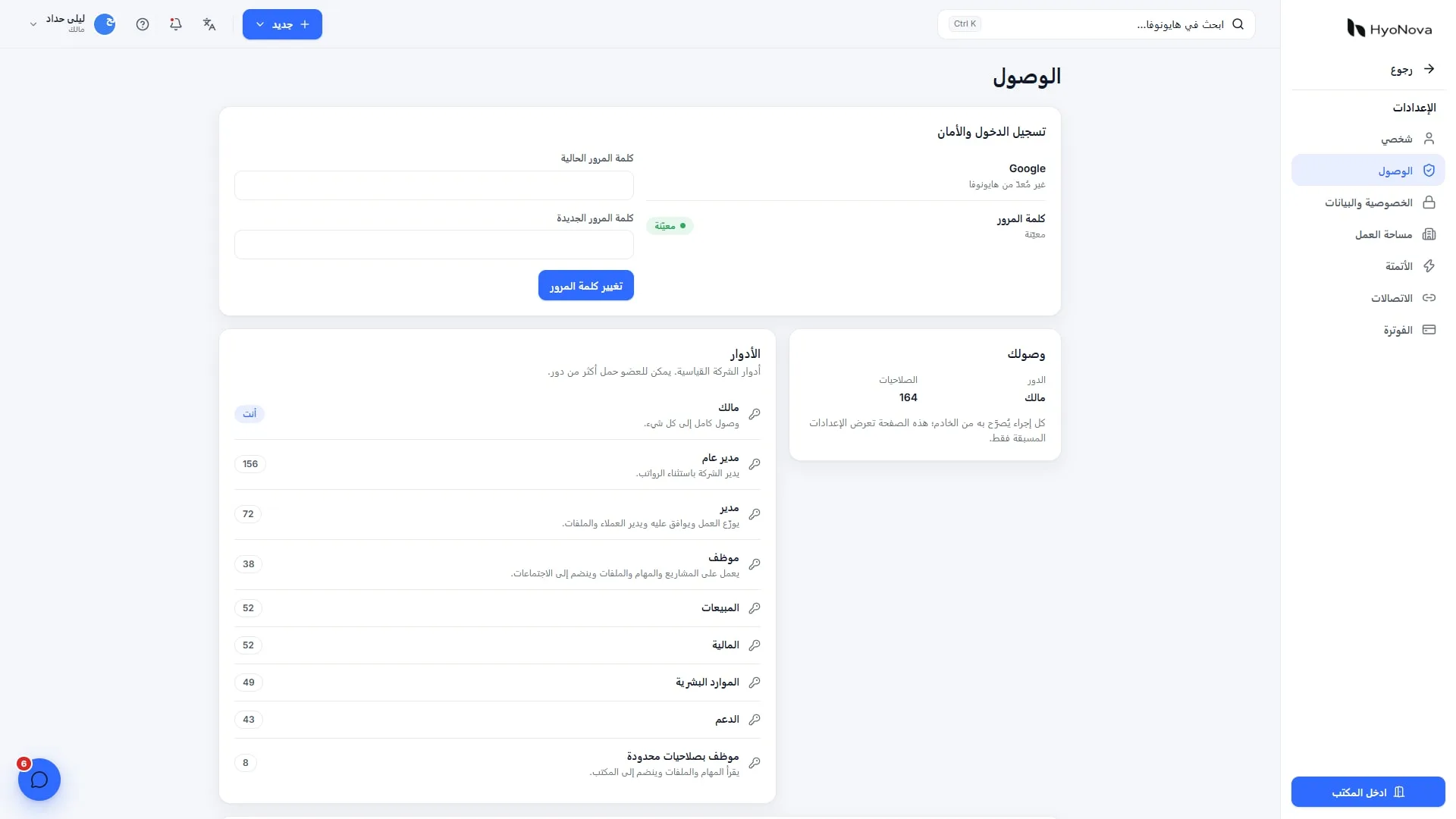
Visit people, projects, files and permissions. Do navigation, field labels, spacing, save controls and errors make sense? Enter Arabic containing an English task code, email and URL. Mixed direction can change how a number or file name is understood.
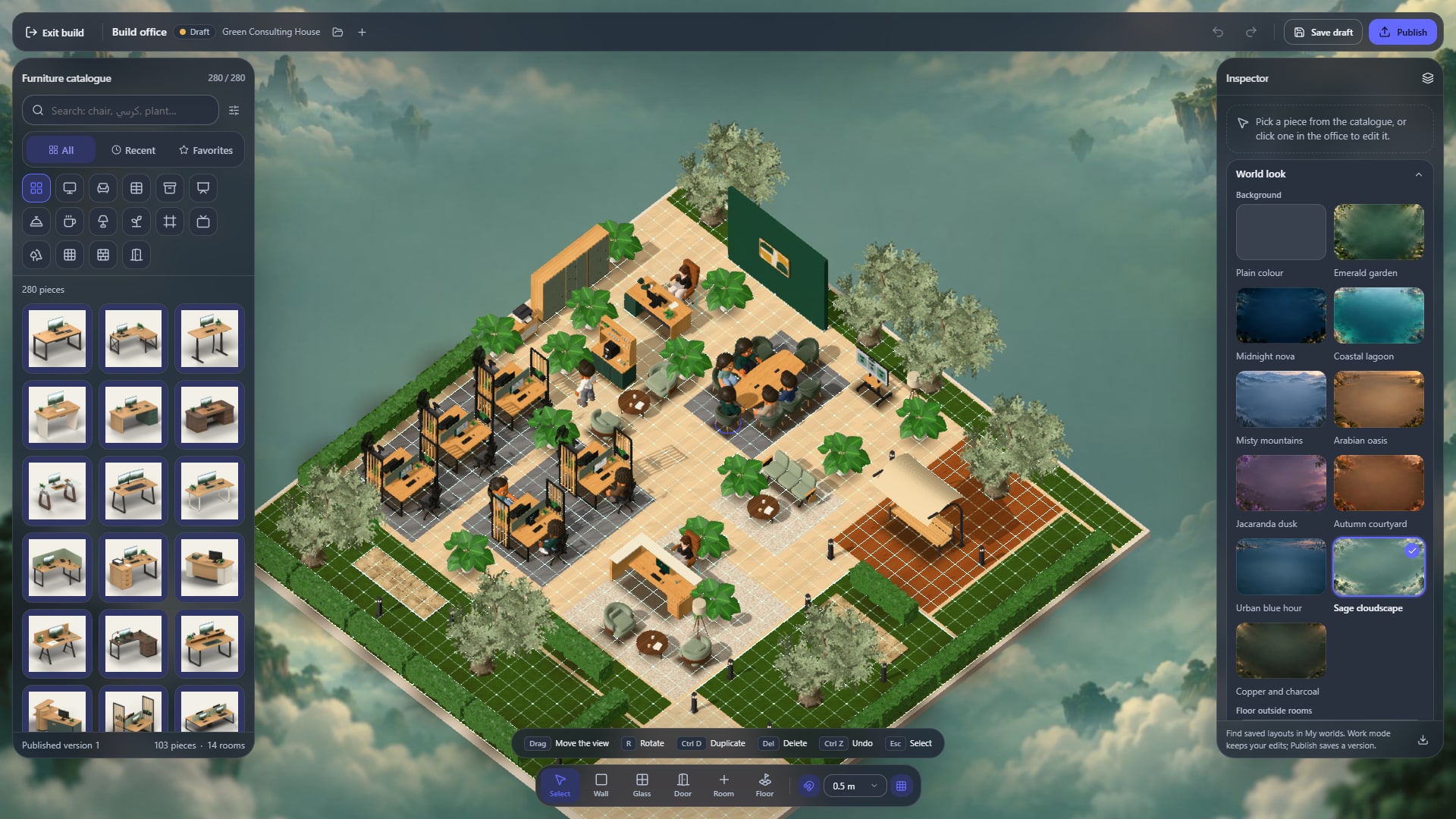
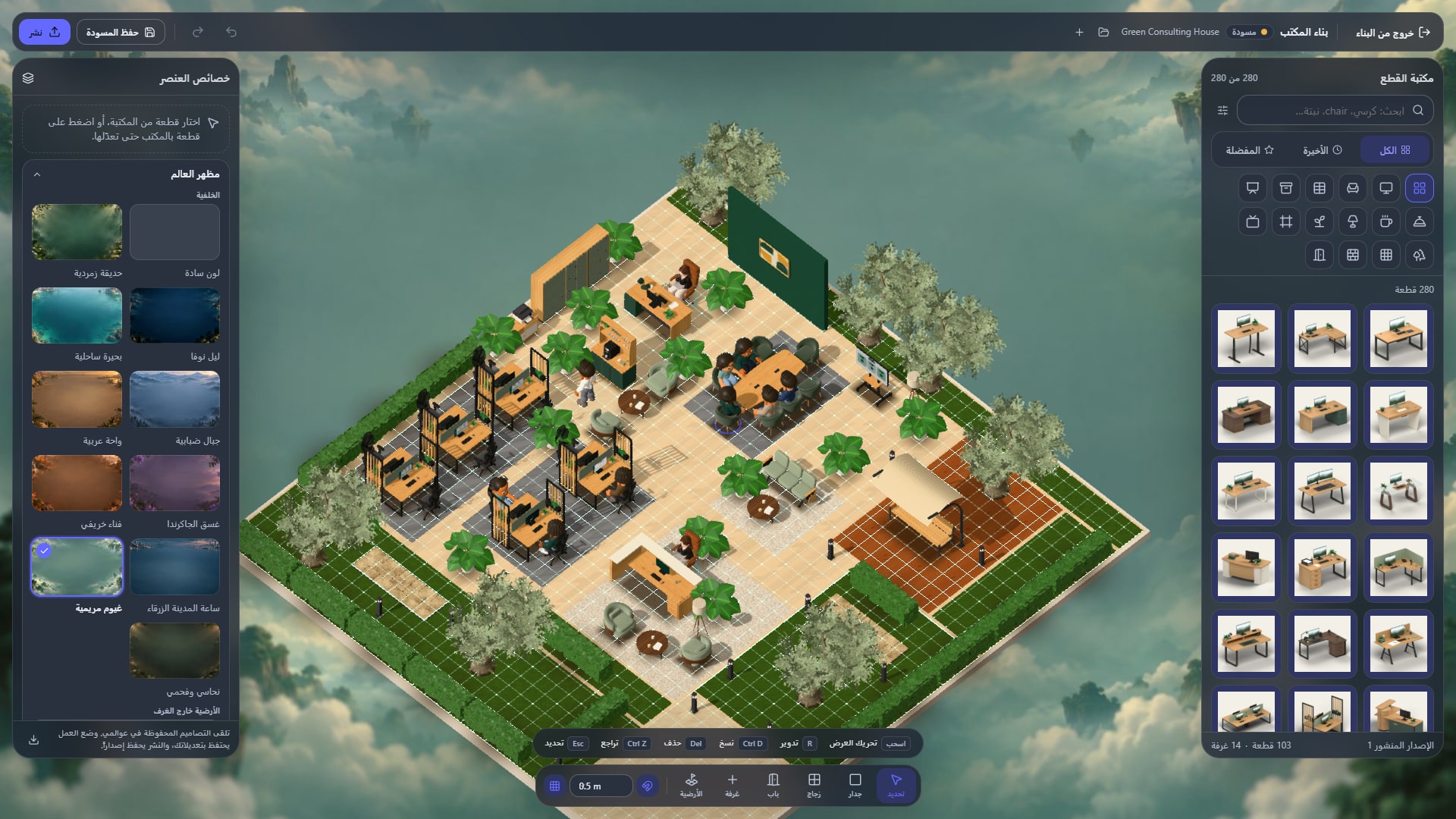
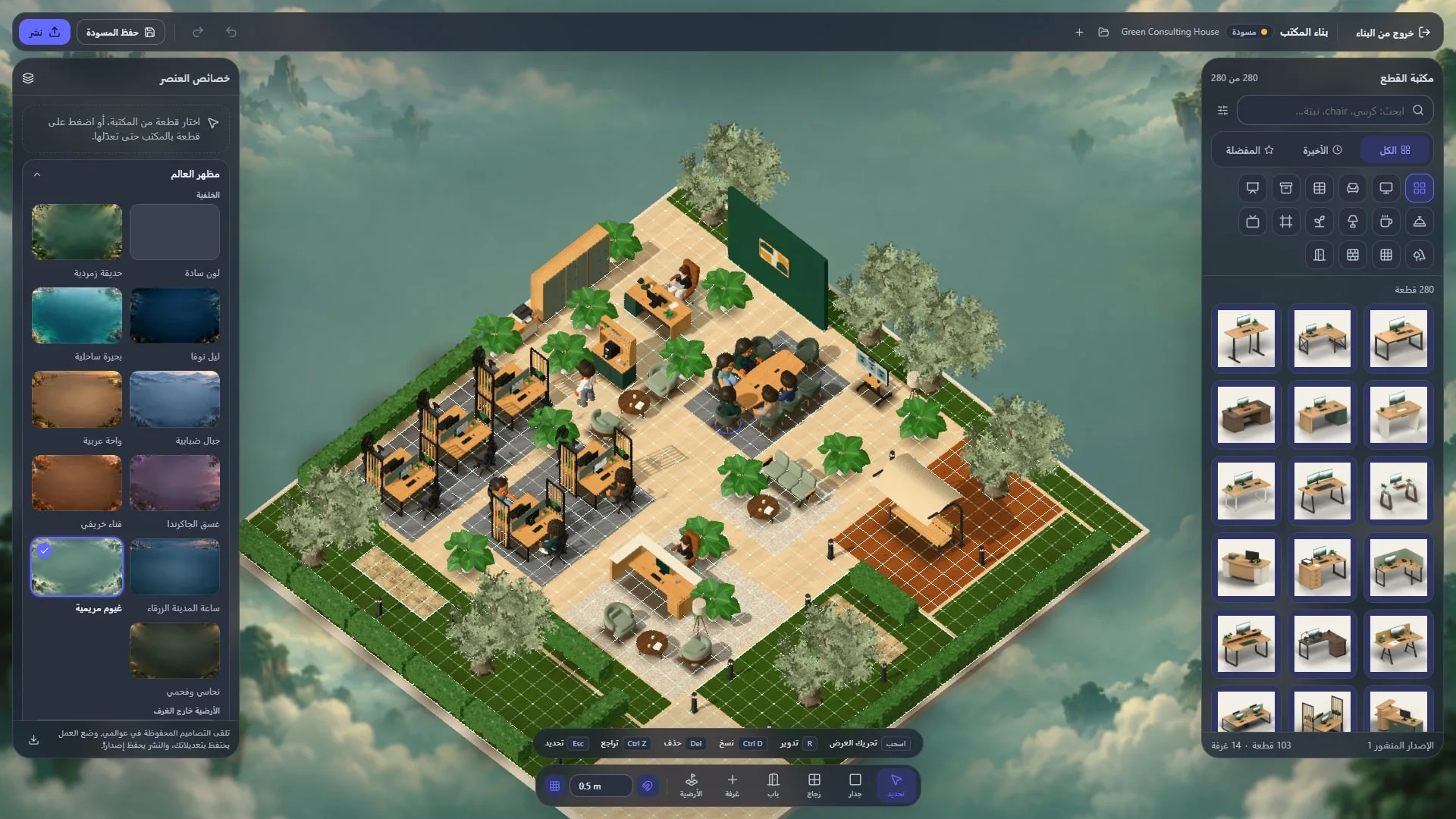
Actual product capture from a local demo on production version 87663bba1, captured on 28 October 2026. Fictional data.
Localization is not a mechanical mirror of every LTR element. Charts, timelines and some symbols need functional interpretation. Date and event order must still convey the correct meaning.
2. Work with mixed-language content
Create an Arabic project and a mixed-language task. Add an Arabic name, English email and fictional PDF, then search using both languages. Have Arabic-UI and English-UI colleagues open the same record and confirm that both are reviewing the same item, not disconnected translated copies.
A localized interface does not automatically translate every file, message or user-provided template. It also does not establish AI understanding of every dialect or policy. Test your own approved knowledge and questions, with a human route for ambiguity.
3. Check roles and exports
Managers should understand granted authority in their working language. Review view, edit and manage labels and test the restricted account's actual access. Check Arabic names and date meaning in a CSV export opened outside the application.
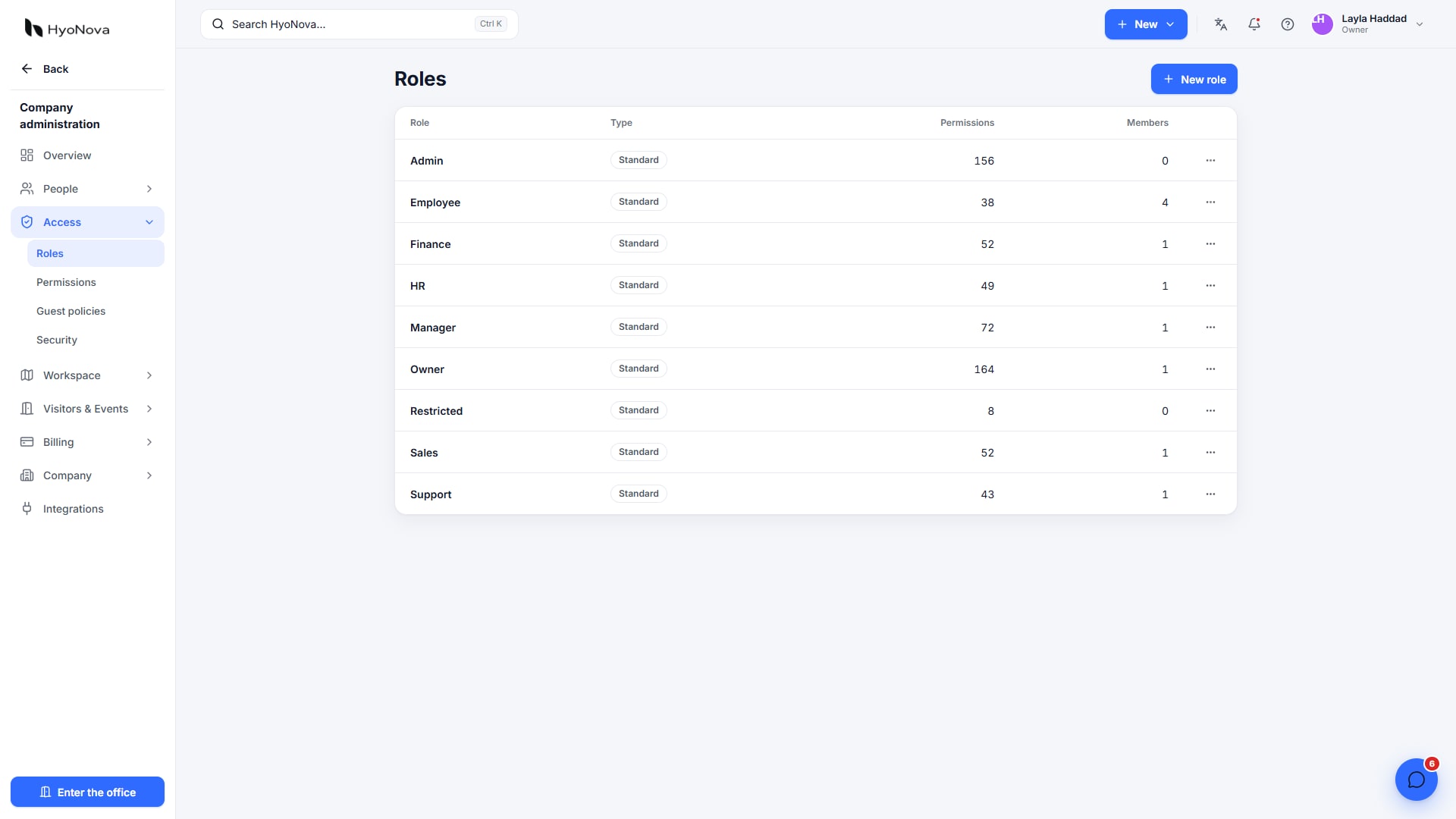
Actual product capture from a local demo on production version 87663bba1, captured on 28 October 2026. Fictional data.
4. Make time a pass-or-fail requirement
Test an appointment across Baghdad and London or your team's actual locations. Confirm date, day and time for each participant. A displayed clock does not establish the time-zone conversion you expect. Document the reference used for schedules, leave and attendance reports.
A known limitation in the captured version: the Arabic timeline showed a mismatch between date direction and task-bar placement. We excluded that image and would verify the fix before relying on the timeline for critical planning. Some template or demo activity text may also remain in English. A supported Arabic interface is not a claim of flawless localization in every case.
5. Include guests and audio
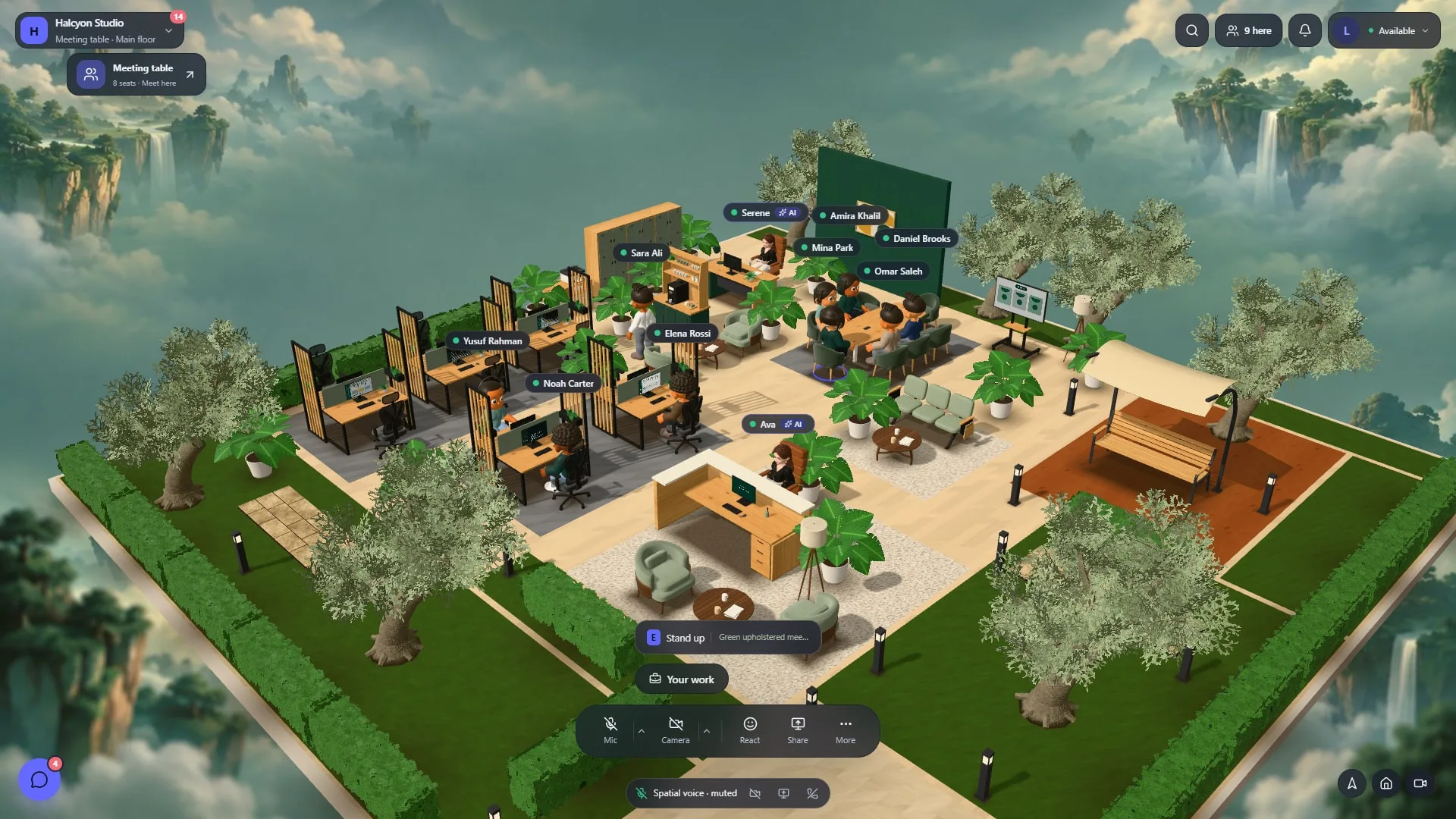
Test a meeting guest link, microphone instructions, mute and the return to the task or file. A good staff interface is not sufficient if a client cannot enter. Use headsets and fictional data, recording device, browser and friction without exposing staff records.
HyoNova's 3D office targets computers and tablets. Test phone-dependent work separately. Successful audio also does not establish translation or automatic meeting transcription.
A reusable evaluation card
Navigation and forms: clear, needs correction or untested, with a screenshot.
Mixed text, search and files: document a normal case and a difficult case.
Dates, charts and exports: verify meaning outside the source screen too.
Guest and audio: test with someone new to the platform.
AI: separate language fluency from factual accuracy, authority and handoff.
Support: establish who receives and follows up localization issues.
Identify requirements whose failure prevents adoption rather than hiding a critical problem inside an overall score. An evidence table is more useful than an unsupported “fully Arabic” claim.
Choose for the team
If Arabic and English work must connect an office with projects and company operations, HyoNova is worth a bounded trial. A team prioritizing only meetings or custom maps may choose differently. Start with Arabic documentation, English documentation and security limitations, then decide from your team's evidence.