
On this page
Short answer: a campaign reaches the inbox when the receiving mailbox provider (Gmail, Outlook, Yahoo and others) trusts it. That trust comes from four things: a domain authenticated with SPF, DKIM and DMARC, a list of people who actually agreed to hear from you, clear content with an easy way to unsubscribe, and a sending reputation that grows gradually without many bounces or complaints. No tool can guarantee inbox placement, but the ten steps below address most common causes of spam filtering.
Why do emails go to spam in the first place?
A mailbox provider does not read your email the way a person does. Before it decides where to place it, it asks three questions:
Is the sender who it claims to be? Domain authentication (SPF, DKIM and DMARC) answers this.
Does this recipient want this message? Judged from past engagement, from complaints ("report spam") and from bounces on addresses that do not exist.
Does the message itself look suspicious? Shortened links, an email that is one big image, a misleading subject line or a missing unsubscribe link.
Since February 2024, Google and Yahoo have enforced clear requirements for bulk senders, including domain authentication, one-click unsubscribe and a very low complaint rate (Google names 0.3% as the upper limit and recommends staying below 0.1%). Authentication is no longer an optional improvement; it is a baseline requirement.
The checklist: 10 steps before you press "Send"
# | Step | Why it matters | How to check |
|---|---|---|---|
1 | Send from your company domain, not a Gmail or Hotmail address | You cannot authenticate a free mailbox provider's domain | A sender such as |
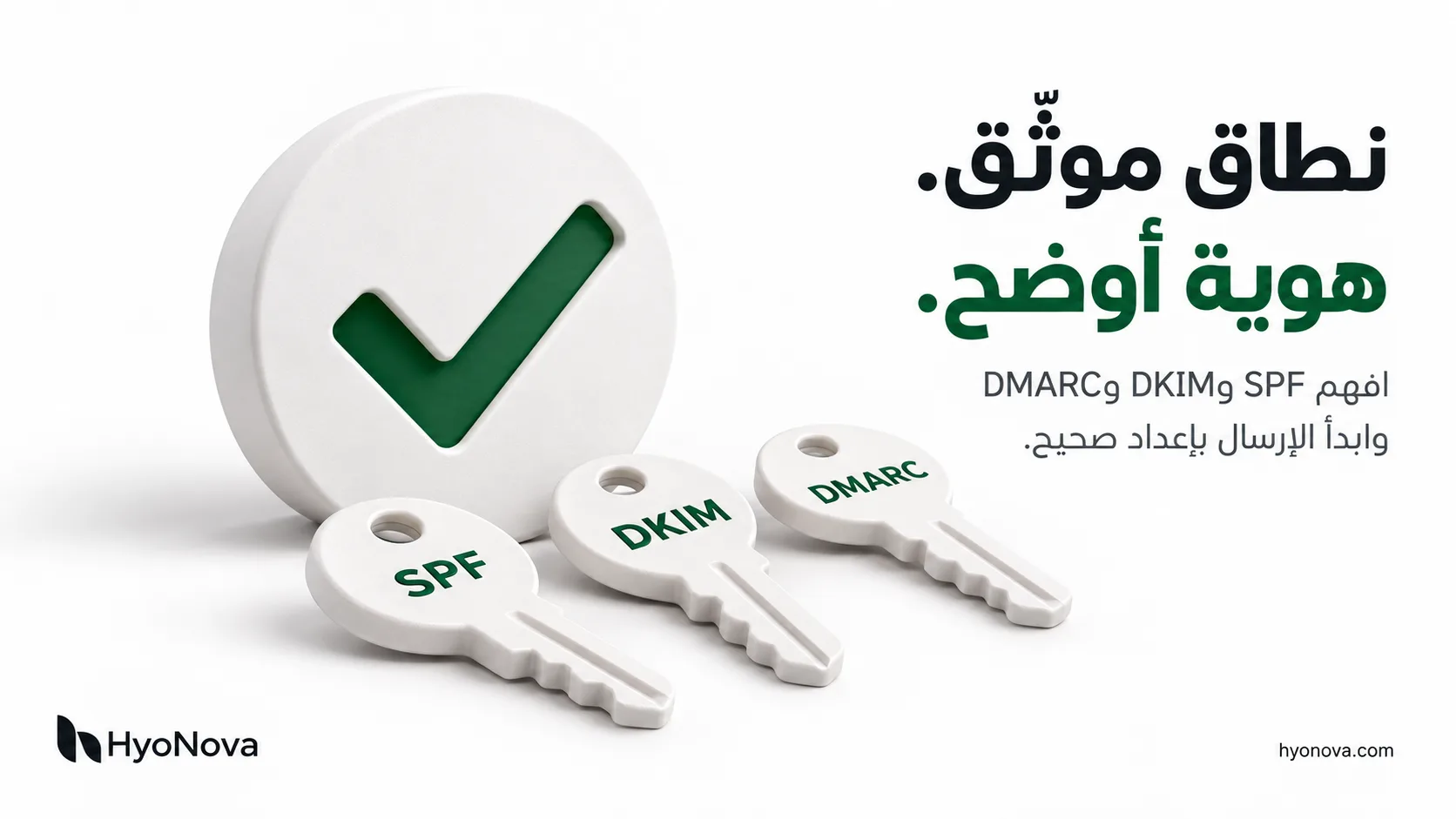
2 | Set up SPF, DKIM and DMARC | They prove the message really came from a service allowed to send for your domain | Your sending platform shows the domain as verified |
3 | Send only to people who opted in | Complaints are the fastest route to spam | Every contact has a known source (signup form, consenting customer) |
4 | Clean the list before your first campaign | Addresses that no longer exist raise your bounce rate | Remove bounced, unsubscribed and very old addresses |
5 | Start small on a new domain | A new domain has no reputation yet | Send to your most engaged contacts first, then widen gradually |
6 | Make unsubscribing obvious | People who cannot find it press "spam" instead | A visible unsubscribe link in every marketing email |
7 | Balance text and images | A single-image email looks suspicious and is unreadable when images are blocked | Real, readable text plus images with alt text |
8 | Avoid link shorteners and misleading subjects | Both are common in phishing | Links to your own domain, a subject that matches the content |
9 | Send a test and check it on mobile | Layout or direction errors reduce engagement | Test in Gmail, Outlook and on a phone |
10 | Watch bounces and complaints after every campaign | Poor numbers accumulate on your domain's reputation | Pause a segment that generates complaints and review it |
What changes for Arabic and bilingual campaigns
Text direction: an Arabic email should be built right-to-left (RTL) from the start, not Arabic text dropped into an English template. Mirrored columns, buttons and lists that are wrong make the email look unprofessional, engagement drops, and low engagement hurts reputation over time.
Subject line and preheader: write them in clear Arabic and avoid piling up exclamation marks, symbols and repeated phrases such as "free!!!" or "exclusive offer". Let the preheader complete the subject rather than repeat it.
Do not turn Arabic text into images: some marketers do this to avoid font issues. It hurts both deliverability and readability. Use real text with safe fonts and let images support it.
Two languages? If your audience reads Arabic and English, two separate versions sent to two segments usually work better than one email split half and half.
What does "delivered" actually mean?
People often mix up three different outcomes:
Accepted for sending: your platform accepted the message and handed it to the recipient's provider.
Delivered: the recipient's provider received it and did not reject it.
Inbox placement: it appeared in the inbox rather than in spam or a promotions tab.
Any platform that promises "guaranteed inbox delivery" is overclaiming, because the final decision belongs to the receiving provider. For the same reason, do not judge success by open rate alone: some providers and privacy tools fetch messages automatically without anyone reading them. Clicks and conversions are a more reliable signal.
How Hyo Mail supports these steps
Hyo Mail is the email marketing product inside HyoNova, and it builds the steps above into the workflow:
Your domain and sender identity: prove ownership of your domain and follow the DNS checklist for DKIM, SPF, DMARC and MAIL FROM. Use guided manual setup with copyable records, or Cloudflare assistance with a scoped token and your approval.
Automatic suppression: bounces, complaints and unsubscribes feed suppression lists automatically, so you do not email an address again after it bounced or opted out.
Pre-send checks: the guided campaign journey covers sender, audience, design, testing and review before launch, including a test send.
An editor that really supports Arabic: Email Studio supports Arabic RTL and English LTR, with 55 designs in Arabic and English and desktop and mobile previews.
Honest measurement: reports show opens as an estimate and rely on clicks and verified conversions.
Hyo Mail is included on every HyoNova plan, including Free, which starts with 500 promotional credits once per company. Domain verification is required for sending, but on its own it does not guarantee inbox placement. Compare plans and pricing.
Related articles
Frequently asked questions
Why do my emails go to spam when the content looks fine?Usually because the domain is not authenticated, the list contains addresses that never opted in or no longer exist, or a new domain started by sending a large volume at once. Content is only one of several factors.
Is SPF enough on its own?No. SPF alone does not protect the visible From address against spoofing. Large mailbox providers expect both SPF and DKIM, and DMARC from bulk senders.
Can I guarantee 100% inbox placement?No. The receiving provider makes the final call based on reputation, recipient engagement and its own policies. What you can do is remove the known causes of rejection and spam filtering.
Can I buy an email list and send a campaign to it?It is never recommended. Purchased addresses did not agree to hear from you, so complaints and bounces rise quickly and your domain's reputation suffers. In Hyo Mail, subscriber consent remains a requirement for sending, and importing a list does not create consent.
How many emails should I send at first on a new domain?There is no single right number. The practical rule is to start with your most engaged subscribers in small volumes, then increase gradually over days or weeks while watching bounces and complaints.
Are Arabic emails more likely to be marked as spam?The language itself is not the cause. Problems come from execution: text converted to images, a template not built for right-to-left, or a wrong encoding that shows unreadable characters.
Last reviewed: 2026-10-18.