
On this page
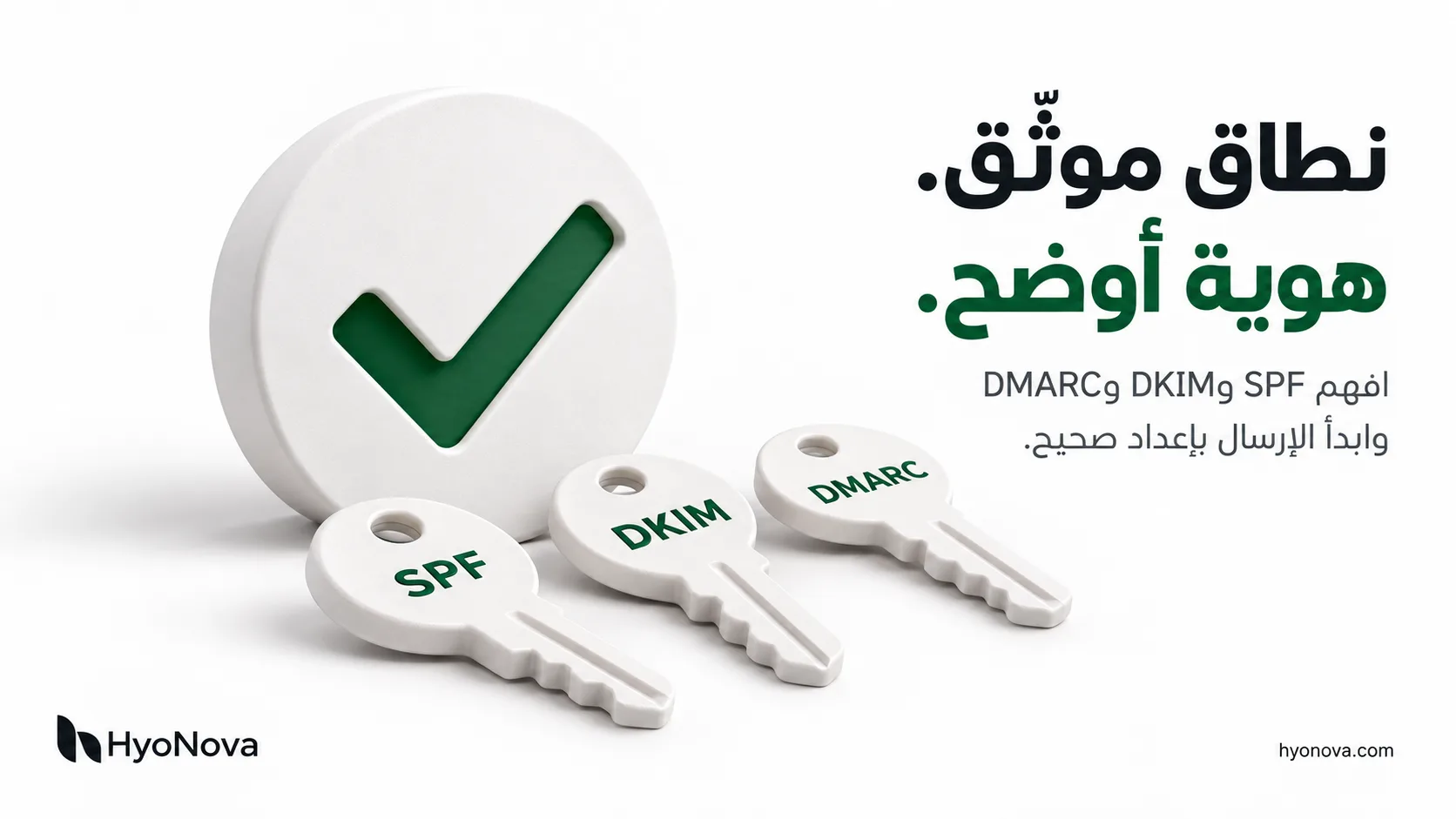
Short answer: these are three records you add to your company domain's DNS. Together they prove to mailbox providers that an email carrying your domain really came from you. SPF lists the servers and services allowed to send for your domain. DKIM adds a digital signature to each message proving it was not altered in transit. DMARC ties both to the visible From address, tells the receiver what to do when checks fail, and sends you reports. Without them, your emails are more likely to land in spam, and it is easier for anyone to spoof your domain.
A simple analogy
Picture your email as a parcel arriving at a company:
SPF is your list of approved couriers. A parcel that arrives with a courier not on the list is suspicious.
DKIM is the seal on the parcel. A broken seal means it was opened or changed on the way.
DMARC is the instruction to the receiving desk: "check that the sender name on the label matches the courier list or the seal; if it does not, reject it or set it aside, and send me a report."
Comparison table
SPF | DKIM | DMARC | |
|---|---|---|---|
What it proves | The sending server is allowed to send for the domain | The message was not altered and was signed by the domain | The visible From address aligns with SPF or DKIM |
Record type | TXT on the domain itself | TXT (sometimes CNAME) on | TXT on |
Short example |
| A long public key |
|
Who provides the value | You combine the sending services you use | The sending service gives you the record | You choose the policy |
Common mistake | More than one SPF record | Pasting a truncated key | Starting with |
1) SPF: who may send for your domain?
An SPF record is a single TXT record on your domain. It starts with v=spf1, lists the services allowed to send, and ends with a rule for everything else:
v=spf1 include:spf.provider-a.example include:spf.provider-b.example ~allThree rules avoid most problems:
Only one SPF record per domain. If you use company mailboxes, a campaign tool and a billing system, merge them all into one record. Two records make SPF fail.
The 10 DNS lookup limit. Each
includecosts one or more lookups. Going over 10 makes SPF fail even when the values are correct.~allor-all: the first means "soft fail", the second "reject". Most companies start with~alland let DMARC enforce strictly.
An important detail: SPF checks the return-path (MAIL FROM) domain, not the address the recipient sees. That is why good sending platforms let you configure a custom MAIL FROM domain on your own domain, so SPF aligns with your From address and counts toward DMARC.
2) DKIM: a seal that cannot be forged
With DKIM, the sending service signs every message with a private key, and you publish the public key in DNS under a name such as:
selector1._domainkey.yourcompany.comWhen the message arrives, the receiver fetches the public key and checks the signature. If it matches, the message was not altered and really came from someone holding your domain's private key.
Each sending service has its own selector, so your domain can have several DKIM records without conflict.
Copy the full value exactly as the service gives it. Some DNS panels split long strings or add quotes, so check after saving.
Some services give you CNAME records instead of TXT, so they can rotate keys without you editing DNS each time.
3) DMARC: the rule and the reports
A DMARC record lives at _dmarc.yourcompany.com and sets three things: the policy, alignment and where reports go:
v=DMARC1; p=none; rua=mailto:[email protected]p=none: monitor only. Delivery does not change, but you receive reports about everyone sending as your domain.p=quarantine: failing messages usually go to spam.p=reject: failing messages are refused. This is the strongest protection against spoofing.
Alignment is the heart of DMARC: it is not enough for SPF or DKIM to pass; the domain that passed must match the domain in the visible From address. That is why DMARC sometimes fails even though SPF and DKIM "pass": the sending service signed with its own domain instead of yours.
A safe rollout order
List everyone who sends as your domain: staff mailboxes, the campaign tool, your store, billing and support systems.
Merge SPF into one record that covers all of them, and keep it under 10 lookups.
Enable DKIM for each service using the records it gives you.
Set up a custom MAIL FROM domain in your campaign tool if it supports one.
Publish DMARC with
p=noneand a mailbox for reports.Read the reports for a few weeks: is a legitimate service failing? Fix it first.
Raise the policy gradually to
quarantine, thenreject, once every legitimate service aligns.
Do not start with p=reject. If you forget one legitimate service, such as your billing system, mailbox providers will refuse its emails to your customers.
How it works in Hyo Mail
In Hyo Mail you start by proving ownership of your domain. The wizard then gives you a DNS checklist for DKIM, SPF, DMARC and MAIL FROM, with copyable records and setup instructions. If your domain is on Cloudflare, Hyo Mail can apply the changes with a scoped token and your explicit approval. Other DNS providers use manual setup, and your domain administrator can help. Once the domain is verified, you add sender identities and start sending.
Domain verification is necessary, but on its own it does not guarantee inbox placement. Reputation, recipient engagement and list quality matter just as much; they are covered in the checklist for keeping emails out of spam.
If your company also uses staff mailboxes, remember to include that service in the same SPF record. See HyoNova Business Email.
Related articles
How to keep marketing emails out of spam: a 10-step checklist
A Mailchimp alternative with real Arabic support: how to choose and switch
Frequently asked questions
Do I need all three: SPF, DKIM and DMARC?In practice, yes. Google and Yahoo require SPF and DKIM from bulk senders, plus a DMARC record with at least p=none. The three together are the foundation of protection against spoofing.
Can my domain have more than one SPF record?No. There must be exactly one SPF record. Combine every service inside it.
How long do DNS changes take to work?Often minutes, sometimes several hours depending on the TTL set by your DNS provider. If verification does not pass immediately, wait and try again.
What is the difference between ~all and -all in SPF?~all marks mail from unlisted servers as suspicious without necessarily rejecting it; -all asks receivers to reject it. With DMARC in place, DMARC usually drives the final decision.
Does DMARC with p=none protect my domain?It does not stop spoofing, but it gives you visibility through reports. It is the first stage before moving to quarantine and then reject.
Is domain verification enough to reach the inbox?No. Verification proves who you are, but the receiving provider also judges reputation, engagement and complaints.
Last reviewed: 2026-10-18.