On this page
Start consolidation with an inventory of data, workflows and permissions, then migrate a small project and verify it before cancelling subscriptions. A single interface does not establish that ownership, approvals and files transferred correctly. Success means work continues with a credible rollback route.
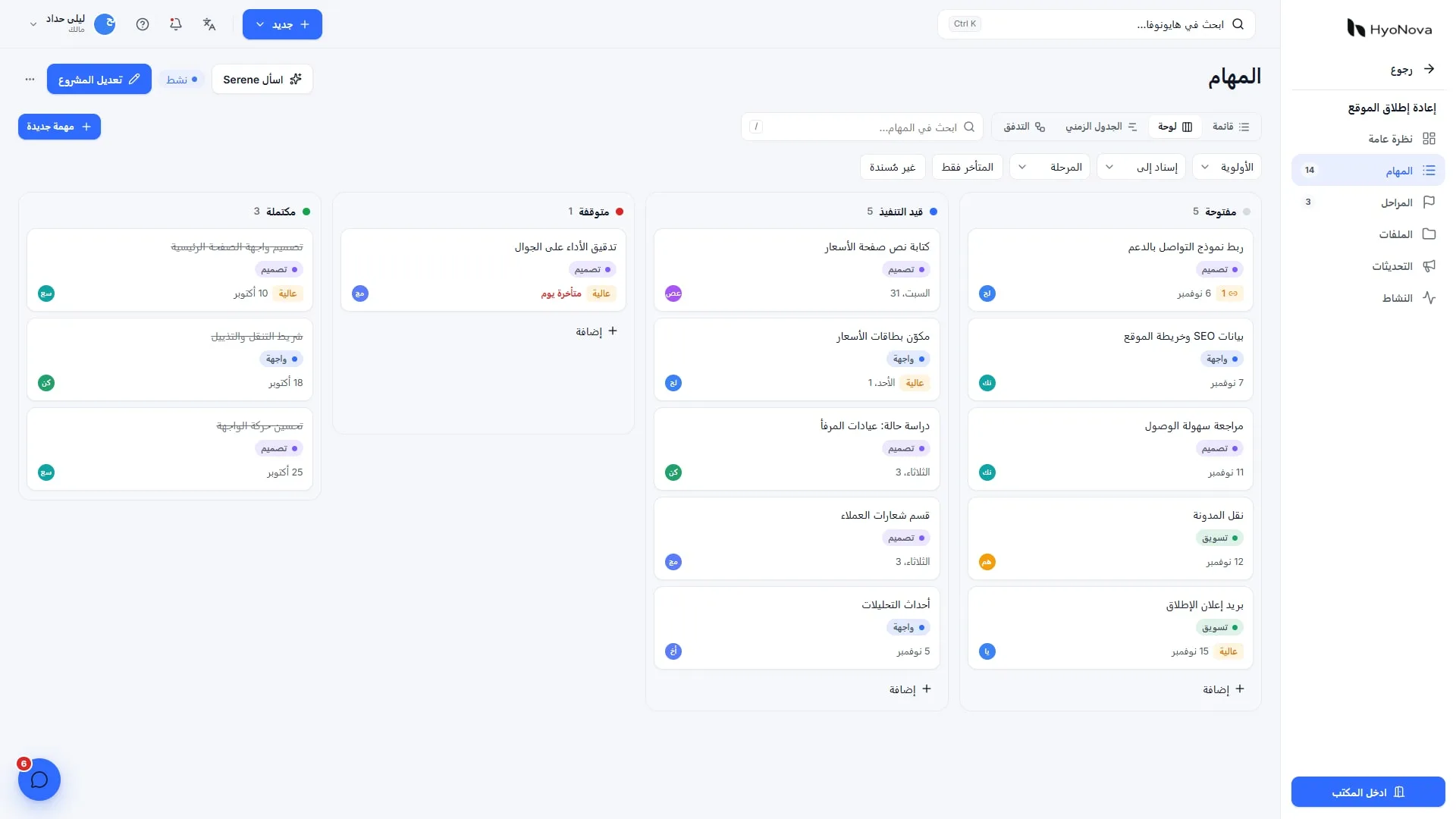
This is a proposed operating guide, not a claim that HyoNova automatically imports everything from Slack, Zoom, Trello or an outside CRM. Images show a demo on production version 87663bba1 captured on 28 October 2026. Verify each import or integration by name and required fields.
1. Inventory before cancelling
For every tool, identify the account owner, actual seats, renewal date, stored records and work that stops if it disappears. Include tools outside the central subscription list. Tool count alone is not fragmentation; some software is necessary for specialist work.
Area | What must move | Critical check |
|---|---|---|
Chat | Decisions and useful operating knowledge | History, private context and references to older messages |
Tasks | Projects, owners, dates and states | Dependencies, attachments and archived work |
CRM | Customers, opportunities and follow-up owners | Identifiers, duplicates and marketing permissions |
Files | Required versions, folders and references | Access, accepted versions and size limits |
Finance | Only records that can be moved or linked appropriately | Accounting continuity and retention requirements |
Mail and signatures | Permitted lists, documents and required evidence | Suppression lists and signature evidence, not only visible PDFs |
2. Map fields and responsibility
Decide where every record goes and who owns it. Customer names are not always unique, and one person may use several addresses. Preserve old identifiers in an appropriate reference where supported and document state or date conversions. Agree the time zone before moving deadlines.
If no documented import exists for an object, use a manual sample or request a specific assessment. A generic CSV does not automatically preserve relationships, comments and history. Report export does not establish comprehensive project or employee import.
3. Clean a sample while preserving the original
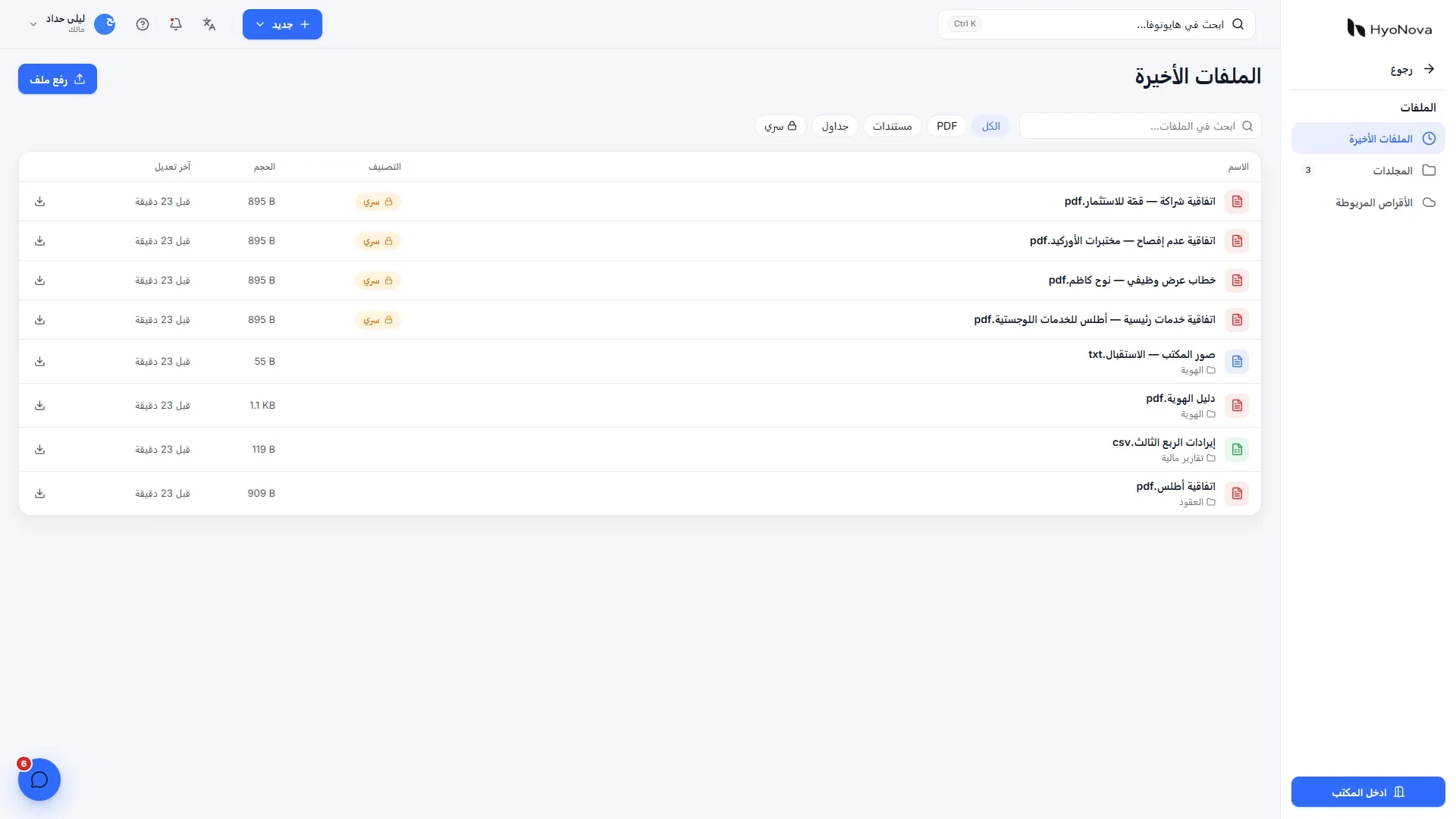
Keep a dated original export securely and work on a copy. Select a lower-risk project and fictional or explicitly authorized customer records. Resolve duplicates and invalid dates, then reconcile record counts, files and important fields before and after migration.
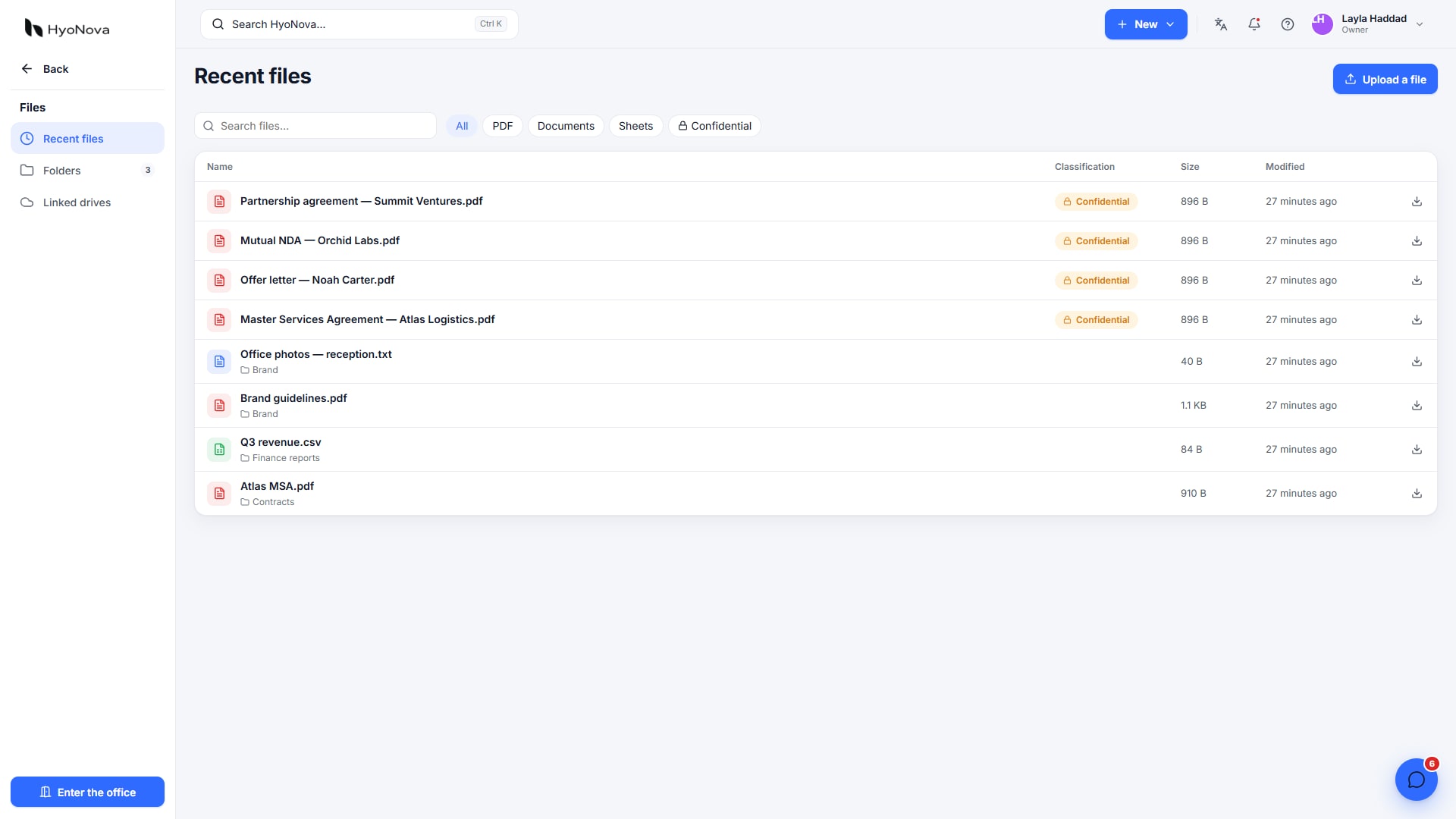
Actual product capture from a local demo on production version 87663bba1, captured on 28 October 2026. Fictional data.
Do not transfer excessive access just to make a pilot convenient. An internally shared file may still be inappropriate for a guest. A successful small upload does not establish that large video or design files fit attachment and storage limits.
4. Configure access before broad invitations
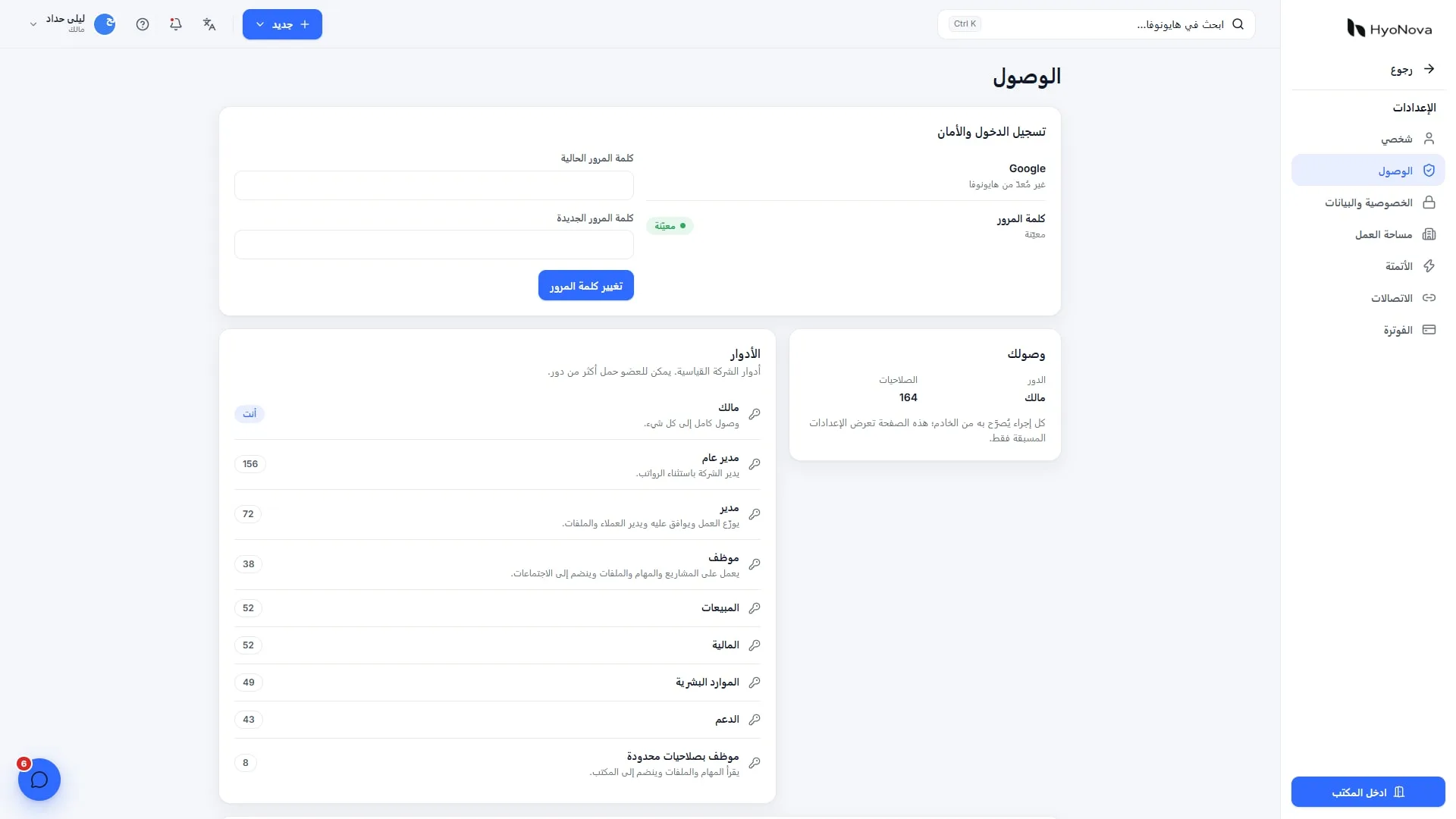
Create roles, departments and approval responsibilities. Test owner, manager, restricted employee and guest access to the same sample. Check direct links, not only menu visibility. Assign backup ownership for files and integrations so a personal staff account does not become an operational dependency.
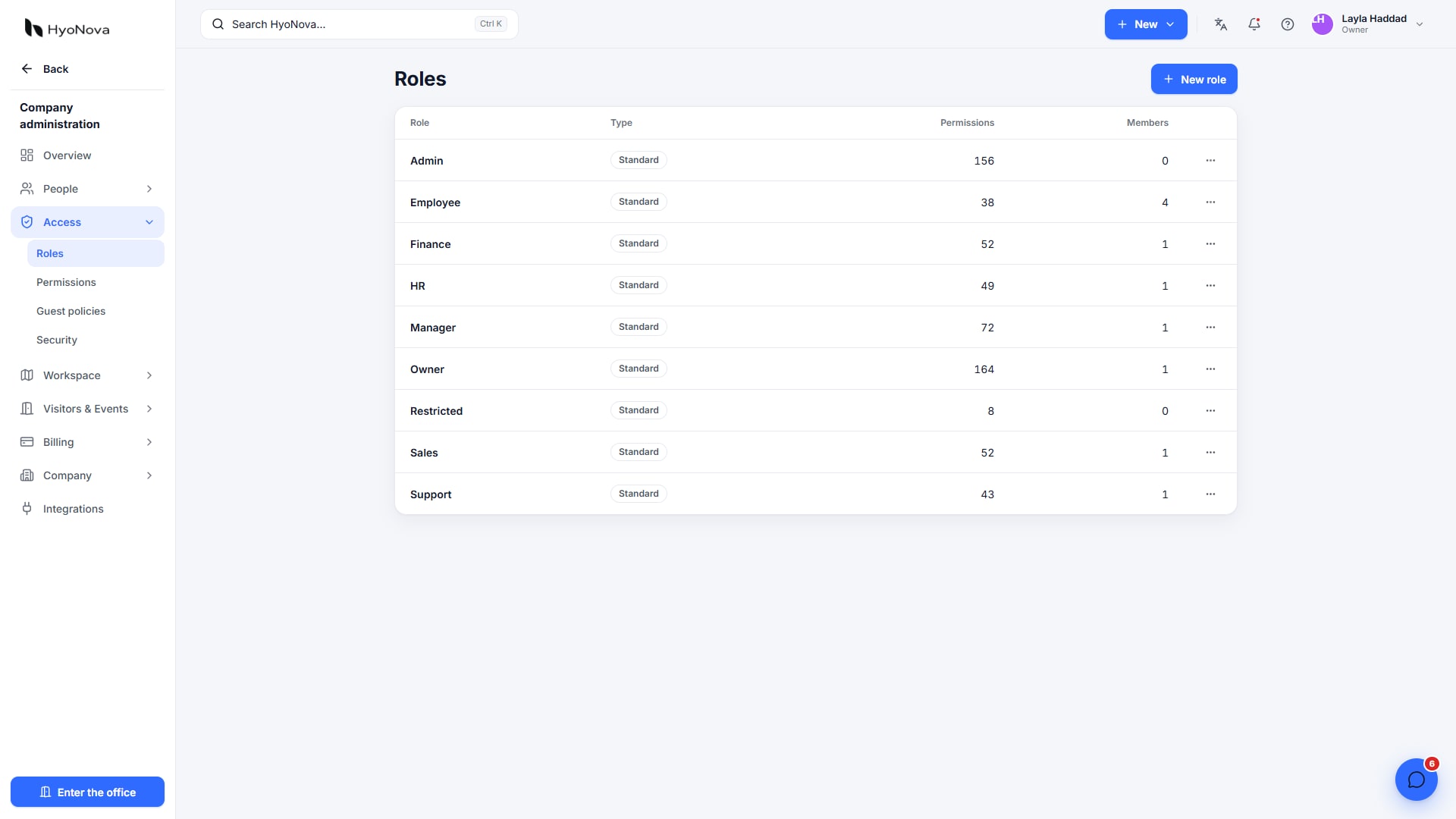
Actual product capture from a local demo on production version 87663bba1, captured on 28 October 2026. Fictional data.
HyoNova business email connects an existing mailbox rather than creating new email hosting. Review permissions requested by each provider connection, who can disconnect it and what data remains with the provider. Track systems requiring separate access removal when someone leaves.
5. Pilot in parallel with one source of truth
Two weeks can be an illustrative pilot period, but appropriate duration depends on complexity. At each stage, specify which system receives final updates. Running two tools without that rule can create conflicting task or invoice versions.
Start with one project, named owners and short workflow training.
Create and update a task, revise a deadline, review a file, request help and accept a deliverable.
Record missing records, permission errors and manual copying.
Compare against acceptance criteria and correct causes before adding another department.
6. Test the exit before closing the old route
Export the required records from the new system and open files outside the account. Name a recovery owner, rollback checkpoint and method for reconciling changes after that checkpoint. Do not permanently remove originals before review and applicable retention decisions.
An export button does not establish export of every comment, relationship or attachment. Test important objects and preserve signed-document evidence and email unsubscribes. Do not reintroduce suppressed contacts while combining lists.
Price the transition
Include the new subscription, overlap with old tools, cleanup, training, testing and specialist systems that remain. Separate projected savings from measured pilot results. HyoNova mail, signatures, visitors and AI Employees use additional charging units; consult current pricing.
When is the team ready to expand?
Important records and files reconcile in meaning as well as count.
Roles, approvals and outside access have been tested.
People know the final-update system and support route.
Export, rollback and expected costs have named owners.
Remaining specialist tools have a documented purpose and connection plan.
Check integrations, documentation and security boundaries, then expand gradually. Work continuity and preserved context matter more than announcing rapid subscription cancellation.