On this page
A virtual office with project management is useful when each decision stays connected to an action, accountable owner, deadline and reviewable result. Sharing a room does not guarantee follow-through. Design the complete path: decision, defined work, update, review and acceptance.
Our example is a fictional client website project. Images show a real demo company on production version 87663bba1, captured on 28 October 2026. This is a workflow example, not a measured time-saving claim from a customer team.
What connecting the workflow should fix
When a decision lives in chat, the file in a separate link and the task under a vague title, nobody can easily identify the accepted version or reason for delay. Do not paste every meeting sentence into a task list. Extract the required action, its owner and the evidence that will count as completion. Link background notes rather than repeatedly copying them.
1. Prepare the project before the meeting
Create a clearly named project, add the team and dates, and set the first milestone. Establish the file location, reviewers and final approver. If the project has a room in the office, use it to find colleagues and context; the room does not replace the project record.
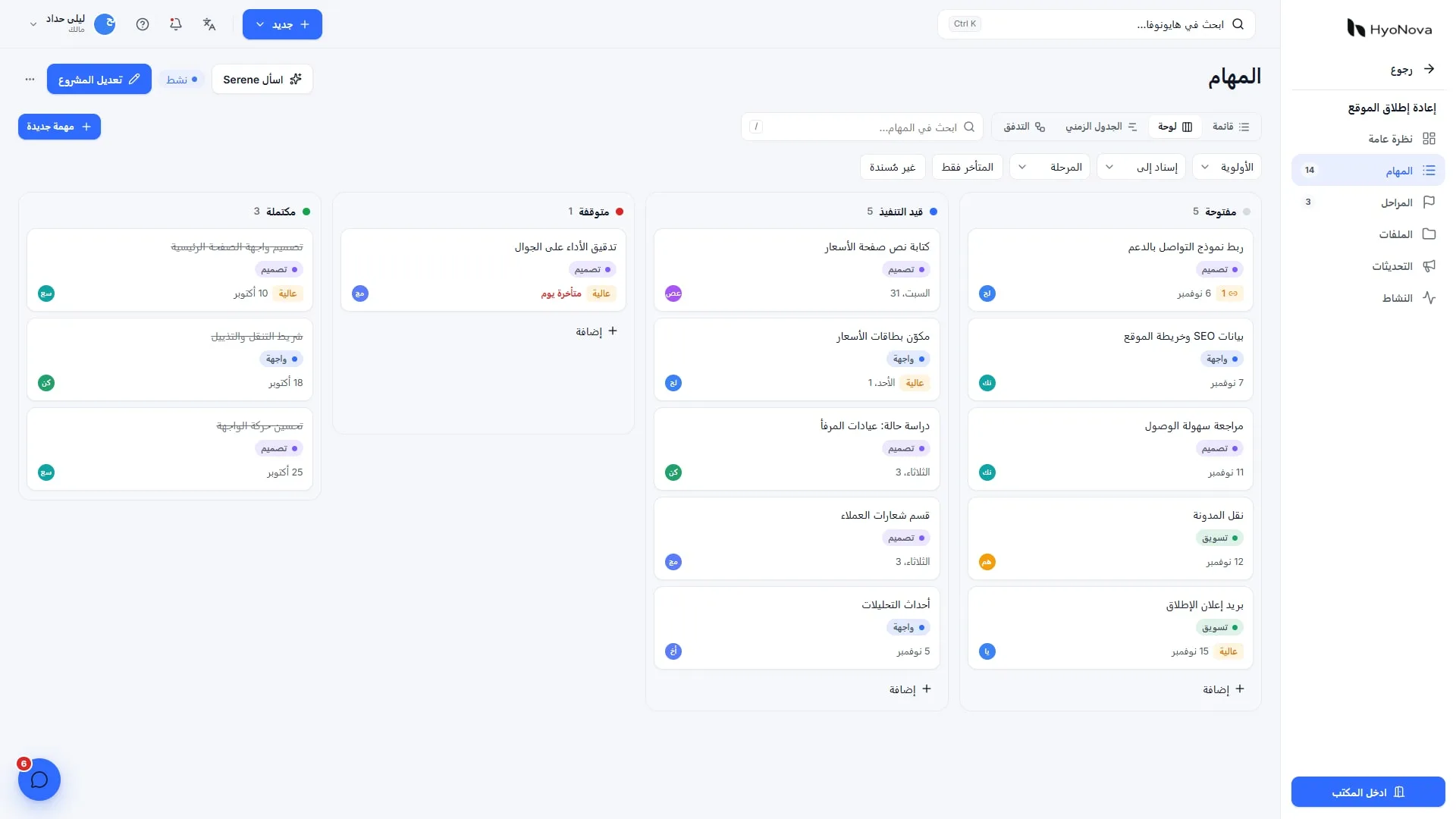
HyoNova Work provides list, board, calendar and timeline views, milestones and dependencies. Start with a board when a small number of states explains the workflow. Use each view to answer a question rather than requiring everyone to use every view.
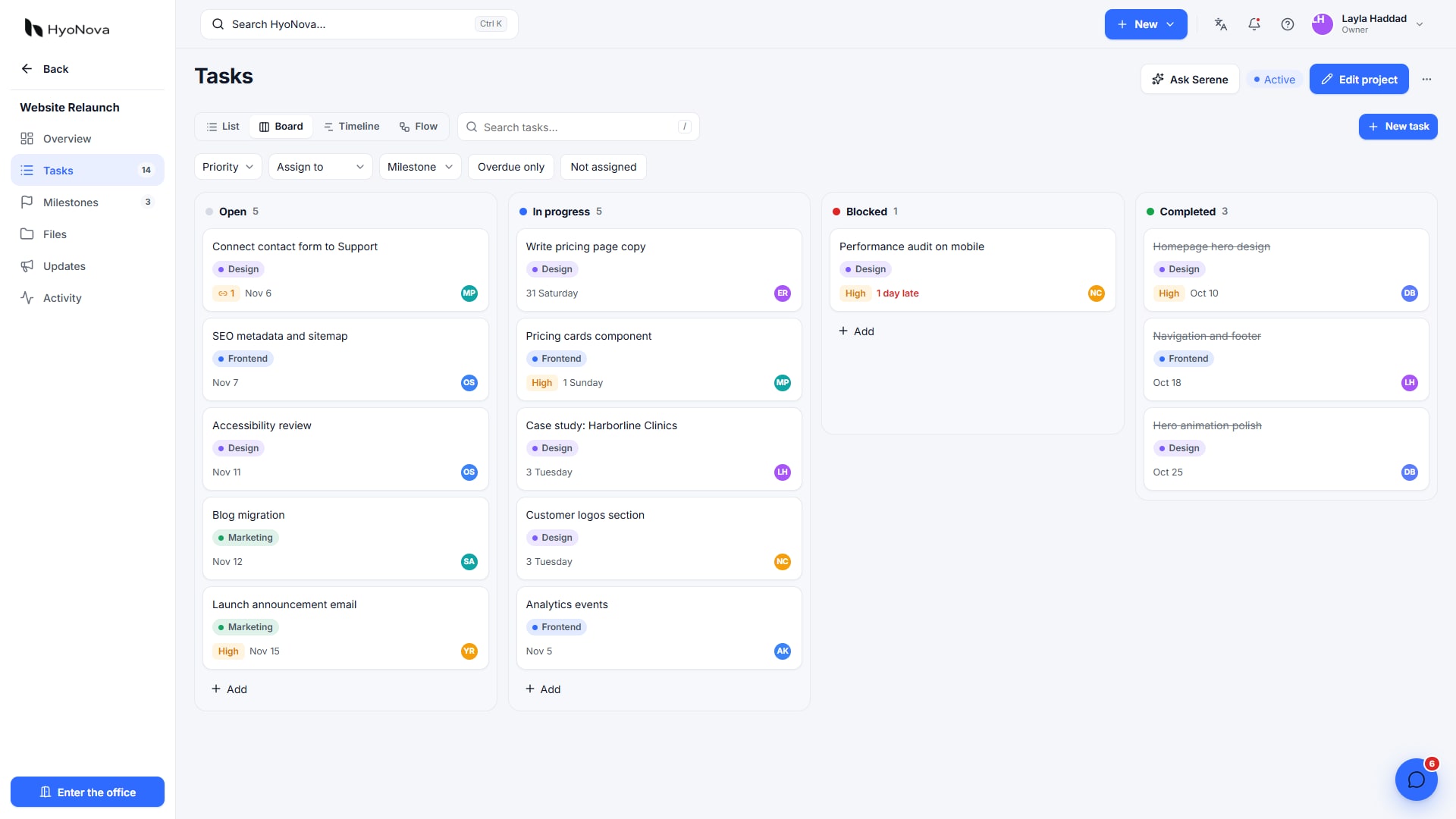
Actual product capture from a local demo on production version 87663bba1, captured on 28 October 2026. Fictional data.
2. Capture decisions that can become actions
Record the decision, its reason and the action owner. Distinguish an idea from an approved decision. Before ending the meeting, read actions back to the people responsible and confirm deadlines and dependencies. “Follow up website” is vague; “Submit homepage design for review” identifies a reviewable output.
Deliverable | Accountable role | Illustrative due point | Acceptance condition | Dependency |
|---|---|---|---|---|
Approve page structure | Project manager | Day two | Client-reviewed page list | Requirements brief |
Homepage design | Designer | Day five | Review version linked to the task | Approved structure |
Prepare content | Writer | Day five | Required text with a named approver | Brief and brand requirements |
Delivery review | Quality reviewer | Day seven | Documented acceptance checklist | Design and content |
These dates illustrate planning, not a promise to deliver a website in seven days. A task can have multiple assignees, but identify one accountable person for follow-through so responsibility does not disappear between names.
3. Keep context with the task
Add owner, deadline, priority, attachment or link, and review comments. Use subtasks for separate steps and dependencies when one output blocks another. Not every comment deserves another task; too many cards can obscure priority.
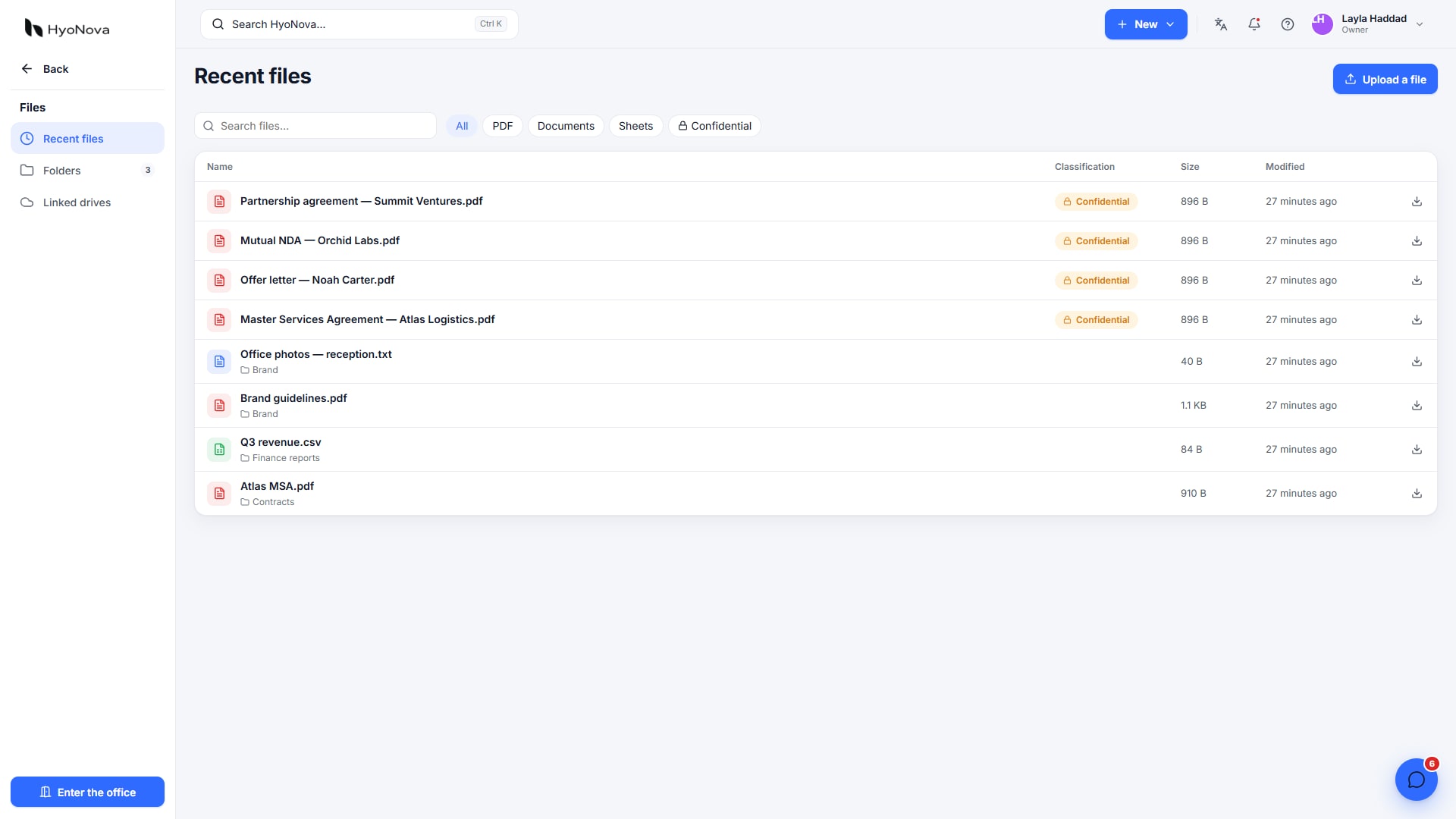
Actual product capture from a local demo on production version 87663bba1, captured on 28 October 2026. Fictional data.
The current Work page specifies task attachments up to 10 MB. Check attachment and company storage limits before migrating large design files. Identify the accepted version and verify how an outside reviewer reaches only the material they are permitted to see.
4. Review work rather than presence
Agree on states such as ready, in progress, review and complete. Submitted is not necessarily accepted. When work is late, document the reason and next step. Explain deadline changes instead of silently moving dates.
Review blocked tasks, dependencies, delivery dates and team capacity weekly. Work reports help identify completion and lateness, but they do not establish employee quality or value by themselves. A task count counts items, not equal units of complexity.
What can Serene do?
You can request a draft project plan or action list and review it before approving work creation. For meetings, distinguish written notes supplied by the team from recorded audio and transcription. This guide does not establish that HyoNova automatically captures every conversation and turns it into tasks. Check the actual input, permissions and approval flow in your trial.
A confidently written suggestion should not gain authority to approve delivery or change a budget. The authorized person's decision and the supporting reference remain part of the workflow.
Test the whole path
Run a fictional meeting and write one decision.
Create an action with a clear deliverable, owner, date and context link.
Move its status and add a review comment and sample file.
Check an authorized member can access it and a restricted account cannot open protected material.
Return work for revision, then accept it against the criterion and inspect the report.
If a decision must be copied into three tools, record why: an unagreed process, a required integration or an unavailable capability. Keep specialist tools where justified. A connected workflow is not successful until the work reaches acceptance.
Cost and fit
Projects and tasks are included in HyoNova plans, while seat, meeting and storage capacities vary. Inclusion does not imply every specialist resource-planning, accounting or industry capability. Review pricing, Work features and Serene for meetings, then pilot one project before moving the company.