On this page
- Who should choose each platform?
- Office experience, meetings and AI
- Compare every major area of work
- SpatialChat plans, prices and limits
- HyoNova plans: what the subscription includes
- Allowances and add-ons: budget separately
- A practical cost example and its limits
- From a customer meeting to completed work
- When keeping your existing platform makes sense
- A one-week migration test
- Frequently asked questions
- Official sources and update policy
SpatialChat supports persistent virtual offices as well as events, webinars and education. Treating it only as a temporary networking room would miss part of its current offering. HyoNova's proposition combines presence with company records and operations. Compare the product and commercial configuration you intend to buy, not a plan from a different use case.
Reviewed 28 October 2026. This comparison is published by the HyoNova team using official product and pricing pages. Native features, integrations and paid add-ons are different. “Not documented” means the reviewed sources did not establish a capability, not that it cannot exist. This is not an independent performance benchmark. USD prices exclude tax and can vary by region and commitment.
Who should choose each platform?
Shortlist SpatialChat for spatial workshops, events, learning and a persistent office around embedded external tools. Shortlist HyoNova when ongoing projects, customer context, employee processes and documents are central. A one-day attendee allowance cannot be equated directly with a monthly employee seat.
Office experience, meetings and AI
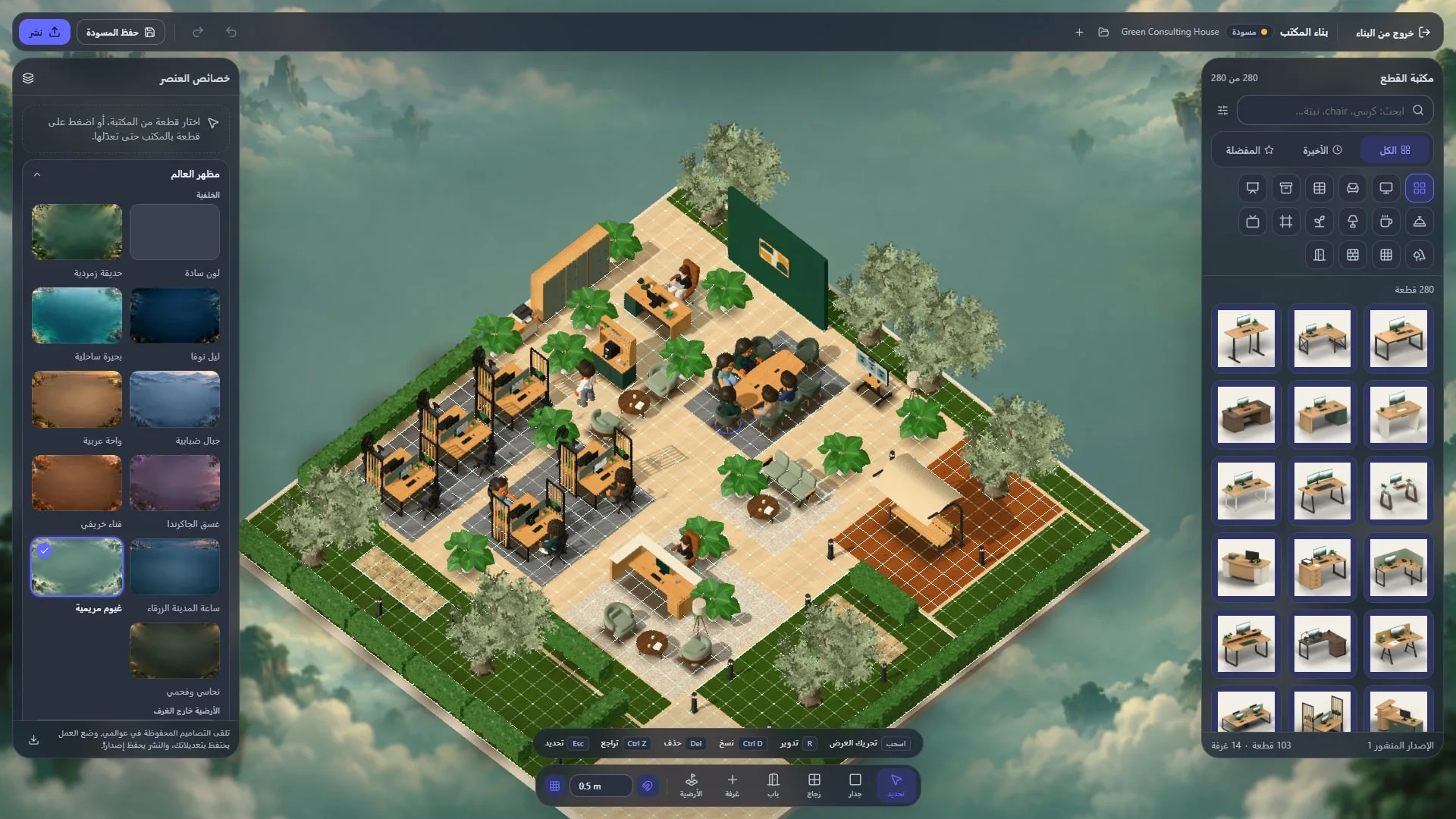
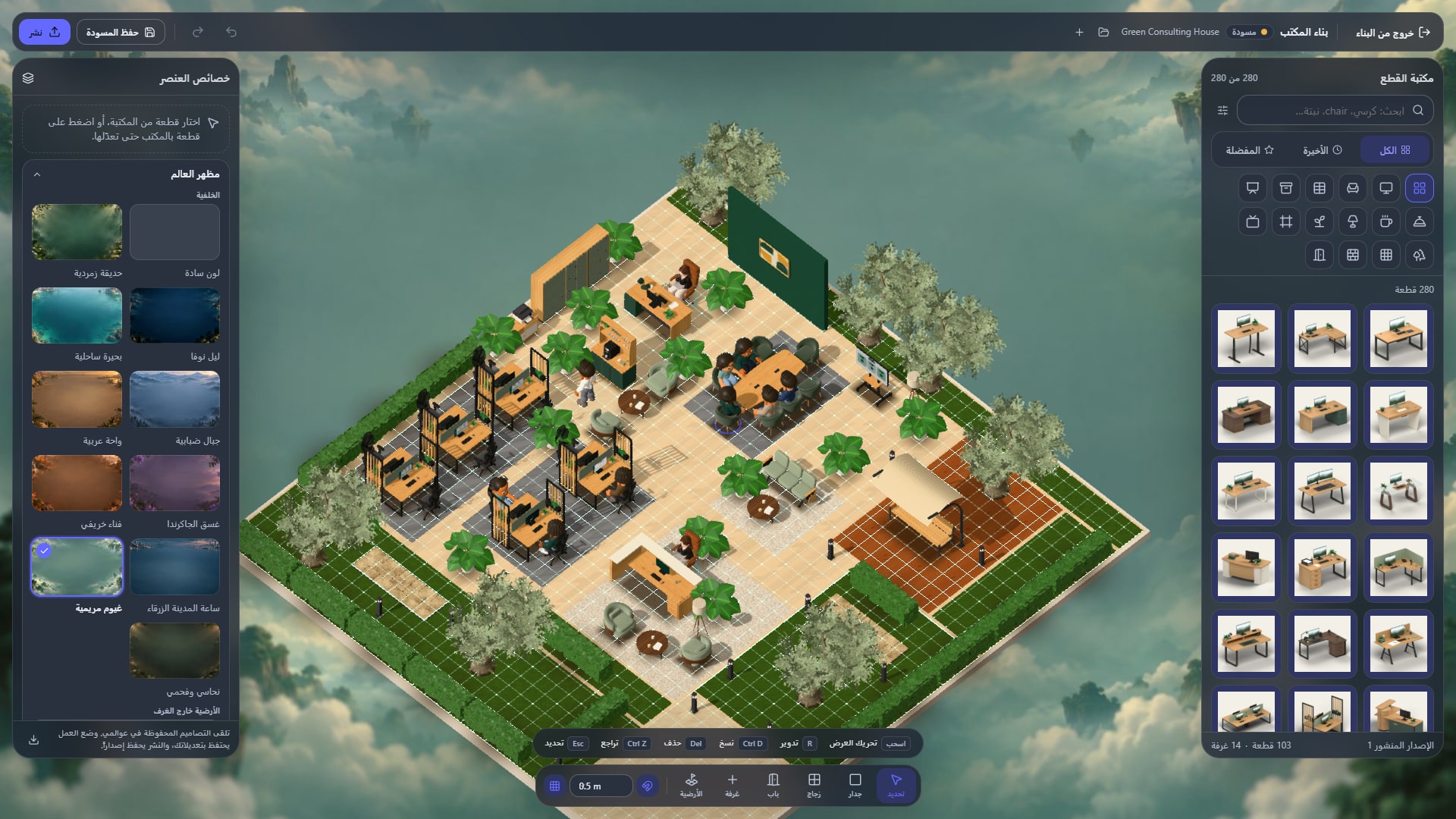
SpatialChat documents proximity audio, persistent focus/collaboration spaces, multiple screen sharing, file/media pinning and embedded tools. Its office pricing describes paid recording storage and Enterprise SAML SSO. Some registration and analytics surfaces are marked coming soon elsewhere in the navigation, so confirm the specific implementation instead of assuming every advertised surface is generally available. HyoNova keeps operational records beside collaboration, with plan-dependent automation and support controls.
Compare every major area of work
The table covers the company workflow, not only how the office looks. HyoNova capabilities remain subject to the stated plan or usage pack; breadth does not imply identical depth to a specialist product.
Area | HyoNova | SpatialChat |
|---|---|---|
3D office and presence | Avatars, rooms and proximity conversations; 1 / 5 / 20 worlds on Free / Basic / Business. | Persistent virtual offices with spatial audio and customizable focus/collaboration areas. |
Meetings and screen sharing | Audio, video and screen sharing; Free meetings up to 30 minutes, paid plans unlimited length. | Screen/file sharing, breakout/stage rooms and plan-dependent recording storage. |
Team chat | Direct messages and channels; basic chat on Free, fuller access on paid plans. | Room chat and direct messaging alongside spatial conversations. |
AI assistance | Serene uses permitted company context for preparation and turns supplied notes/decisions into tasks and drafts. This is not a claim of automatic audio transcription. AI Employees are separate add-ons. | Confirm product-specific AI and availability; an HyoNova-style company-context assistant is not established by the reviewed office page. |
Projects and tasks | Tasks, owners, deadlines, boards and project views; advanced automation and analytics are plan dependent. | Embedded tools and workshop collaboration; native project delivery not established. |
People, leave and attendance | Directory, roles, leave and approvals. Attendance must be enabled; it is not automatic payroll processing. | Presence/participation and product-specific analytics; HR leave/approvals not established. |
Customer records and sales | Customer records on all plans; deals and sales pipelines require Basic or above. | Integrations may connect CRM or event stacks; not evidence of a native customer/deals module. |
Files and company knowledge | Shared files with classifications; 5 GB total Free, 10 GB/member Basic, 30 GB/member Business. | Files, media pinning and embeds are documented; classified company archives are a separate requirement. |
Finance | Basic+: invoices, receivables, partial payments and currencies. Not a full accounting suite or payment processor. | Not documented as a native service in the reviewed sources; an external tool may cover it. |
Customer support | Inbox and tickets with customer context; advanced routing, SLAs and analytics on Business. Connected channel requirements apply. | Not documented as a native service in the reviewed sources; an external tool may cover it. |
Marketing email | Hyo Mail: campaigns, segmentation, linear automation, A/B tests and API; email packs are purchased separately after the welcome allowance. | Not documented as a native service in the reviewed sources; an external tool may cover it. |
Business email | Connect an existing Gmail, Microsoft 365 or IMAP mailbox; this does not create a new hosted mailbox. | Not documented as a native service in the reviewed sources; an external tool may cover it. |
Electronic signatures | PDF fields, ordered signers, email OTP, completion certificate, QR verification and evidence; envelope packs priced separately. SES, not AES/QES. | Not documented as a native service in the reviewed sources; an external tool may cover it. |
Guests and office visitors | Meeting guests, signers and support customers do not consume a member seat. Office/event visitor passes are a different paid allowance. | Office, recurring events and one-day events have different capacity/time rules; confirm selected product. |
Administration and governance | Roles, permissions and approval controls; SAML SSO, SCIM and custom SLA are Enterprise requirements. | Office Enterprise lists SAML SSO and advanced privacy; validate the configured product's terms. |
Languages and devices | Arabic and English interfaces; browser plus Windows/macOS. The 3D office targets computers/tablets, not phone-sized screens. | Browser-based access documented; test actual devices and Arabic content/interface needs. |
SpatialChat plans, prices and limits
Plan | Price/basis | Limits and features |
|---|---|---|
Free office evaluation | $0 | Up to 12 participants, 2 hours/day, 4 rooms, up to 3 concurrent screen/file shares. |
Business office | $8/user/month or $76/user/year | 24/7 workspace, up to 5 rooms, password/user authentication and storage for 7 recordings. |
Enterprise office | $12/user/month or $120/user/year | Expanded rooms, storage for 30 recordings, onboarding and SAML SSO. |
Events / one-day events / education | Separate product pricing | Attendee, room and time allowances differ from office subscriptions. |
We selected Virtual Office and checked both billing tabs in the browser: Business $8/user/month or $76/user/year; Enterprise $12/user/month or $120/user/year. The office advertises a 7-day trial. Event and education prices belong to different products. Confirm seat count, tax and any negotiated terms at checkout.
HyoNova plans: what the subscription includes
Plan | USD price | Important limits |
|---|---|---|
Free | $0 | Up to 10 licensed members including pending invitations; 1 world; 30-minute meetings; 5 GB total. |
Basic | $6/member/month or $64.80/member/year | $5.40/month equivalent with annual payment; 5 worlds; 10 GB/member; deals and finance. |
Business | $15/member/month or $144/member/year | $12/month equivalent with annual payment; 20 worlds; 30 GB/member; advanced automation, support and analytics. |
Enterprise | Custom quote | For larger/custom deployments; SAML SSO, SCIM, onboarding and negotiated service levels. |
A 7-day Business trial requires no card. Teams within the 10-member limit can return to Free. A meeting guest or document signer is not an employee seat. These are company workspace prices, not unlimited email or signature allowances.
Allowances and add-ons: budget separately
Service | Welcome/included amount | Packs and limits |
|---|---|---|
Hyo Mail | 500 / 5,000 / 10,000 emails per company once on Free / Basic / Business | 10k $9; 50k $35; 100k $59; 250k $129; 500k $229; 1m $399. Valid 12 months. |
HyoNova Sign | 2 / 10 / 25 signature requests per company once | 25 $9; 100 $25; 500 $89; 1,000 $149. Valid 12 months; one request may contain multiple signers. |
Serene | Free: 250 once; Basic: 500/member/month; Business: 2,000/member/month | Boost: 3,000 $10; 8,000 $25; 17,500 $50; 37,500 $100. AI Employees are a different add-on. |
Office/event visitors | Different from free meeting guests | $1 per admitted visitor; packs valid 12 months. Up to 200/event Basic and 1,000/event Business. |
Mail and Sign welcome allowances are neither monthly nor per member; upgrades grant only the difference. External channel providers and your existing email host can have separate charges. Check tax and checkout terms.
A practical cost example and its limits
For 20 regular users, SpatialChat office Business is $160/month or $1,520/year; office Enterprise is $240/month or $2,400/year. HyoNova Basic is $120/month or $1,296/year, and Business $300/month or $2,880/year before packs and tax. The tier names are not equivalent bundles. Compare required recording storage, company modules, guests and retained applications; request event pricing separately for a workshop.
From a customer meeting to completed work
Run a customer workshop with a presentation and shared resources, then ask a colleague who missed it to continue the work. In SpatialChat, test whether the embedded project/CRM tools preserve decisions and access. In HyoNova, test the customer record, project tasks, agreement and stored files together. Measure whether the tools your team already trusts still need to remain in either setup.
When keeping your existing platform makes sense
Keep SpatialChat when event facilitation, education or embedded tools dominate the requirement. Evaluate HyoNova for ongoing company operations when its native workflows reduce handoffs. An event platform's strengths and a company operating workspace's strengths need not be identical for either to be useful.
A one-week migration test
Use the same team, real devices and normal networks. Test audio, video, screen sharing and room privacy.
Complete one customer-to-delivery workflow: record, meeting, assigned task, document, signature, then invoice or support ticket as relevant.
Review permissions, exports and offboarding. Obtain written confirmation of mandatory security or hosting requirements.
Count seats, usage allowances, add-ons, migration and training. Keep a rollback path and avoid switching off the old system before the test passes.
Frequently asked questions
Does an integrated platform replace every application?
Not necessarily. Keep specialist accounting, contract management or development tools where their depth is required. Test outputs and permissions, not just the number of icons.
Is SpatialChat only for events?
No. Its current product page explicitly describes persistent virtual offices. Office, events and education must be compared using their own plans and capacity rules.
Does a lower price mean identical capabilities?
No. Compare the features your team uses and the limits on guests, storage and AI. A pricing table is not a test of audio quality, reliability or compliance.
Start with one real workflow. Try HyoNova and review the plans, then compare the outcome with SpatialChat before expanding.
Official sources and update policy
SpatialChat product-specific pricing · SpatialChat virtual office · SpatialChat integrations · HyoNova — pricing · HyoNova — product/work · HyoNova — product/people · HyoNova — product/crm · HyoNova — product/files · HyoNova — product/finance · HyoNova — product/support · HyoNova — product/mail · HyoNova — product/business-mail · HyoNova — product/sign · HyoNova — product/visitors · HyoNova — ai/meeting-intelligence · HyoNova — ai/governance
We review this article when plan terms or product scope change. Logos and trademarks belong to their owners; identifying the compared products does not imply affiliation or endorsement.