On this page
A digital headquarters is the shared environment your team returns to for people, work and information. It may combine a visible place to meet with the operational tools used every day. Its value becomes clear when a team can follow a workflow from beginning to end.
Three connected layers
The first layer is presence: who is available, in a meeting or concentrating. The second is work: projects, tasks, owners and dates. The third is company context: customers, documents, decisions and knowledge available within each person's permissions.
An attractive office is only part of that experience. Clear processes determine whether people can actually find and complete their work.
Go beyond an application directory
An app directory tells people what to open. A useful digital HQ also helps answer who owns a task, which document is current and what should happen next. Test the actual data flow and permissions instead of assuming that placing services together creates automatic integration.
How HyoNova approaches it
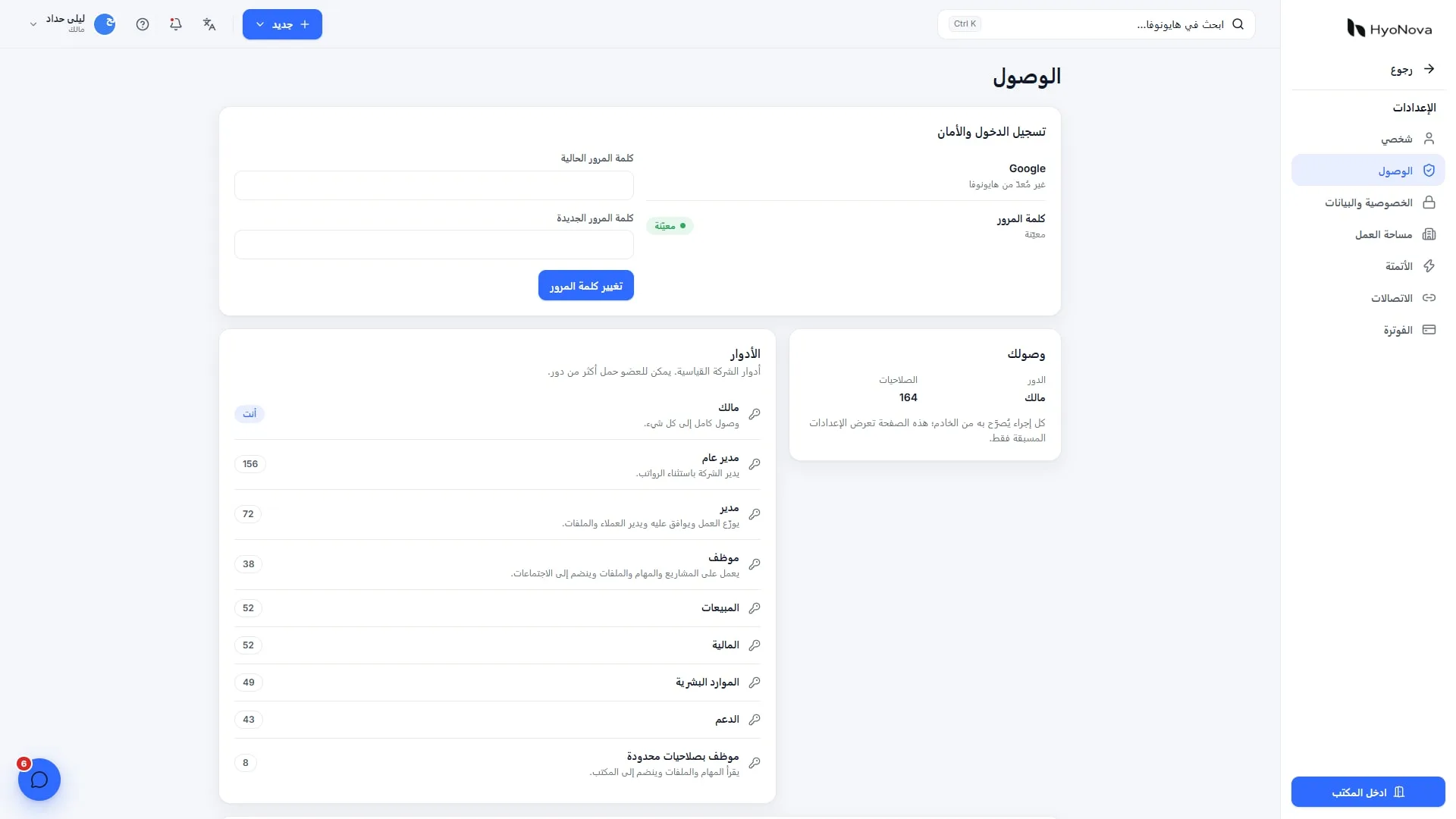
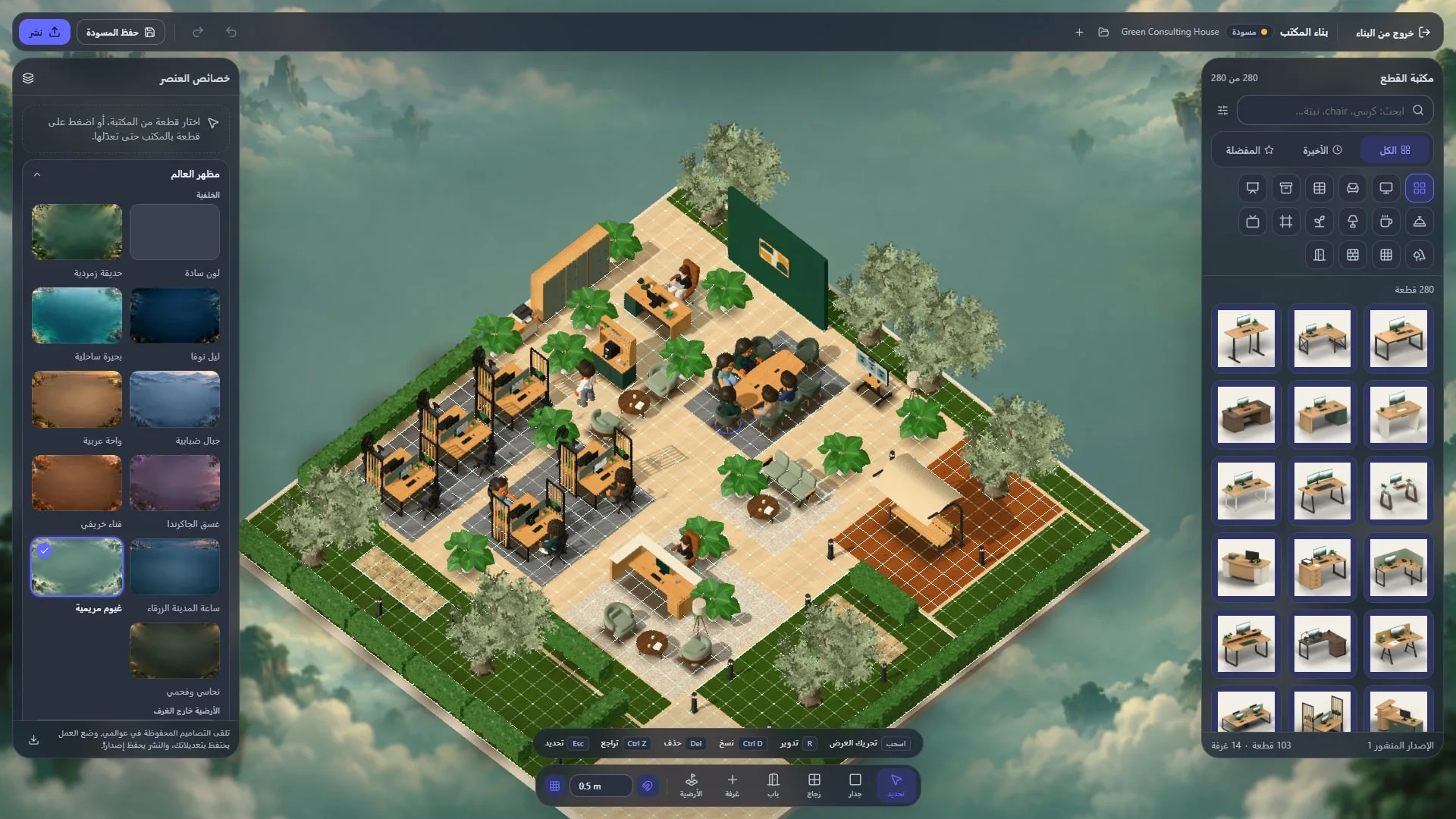
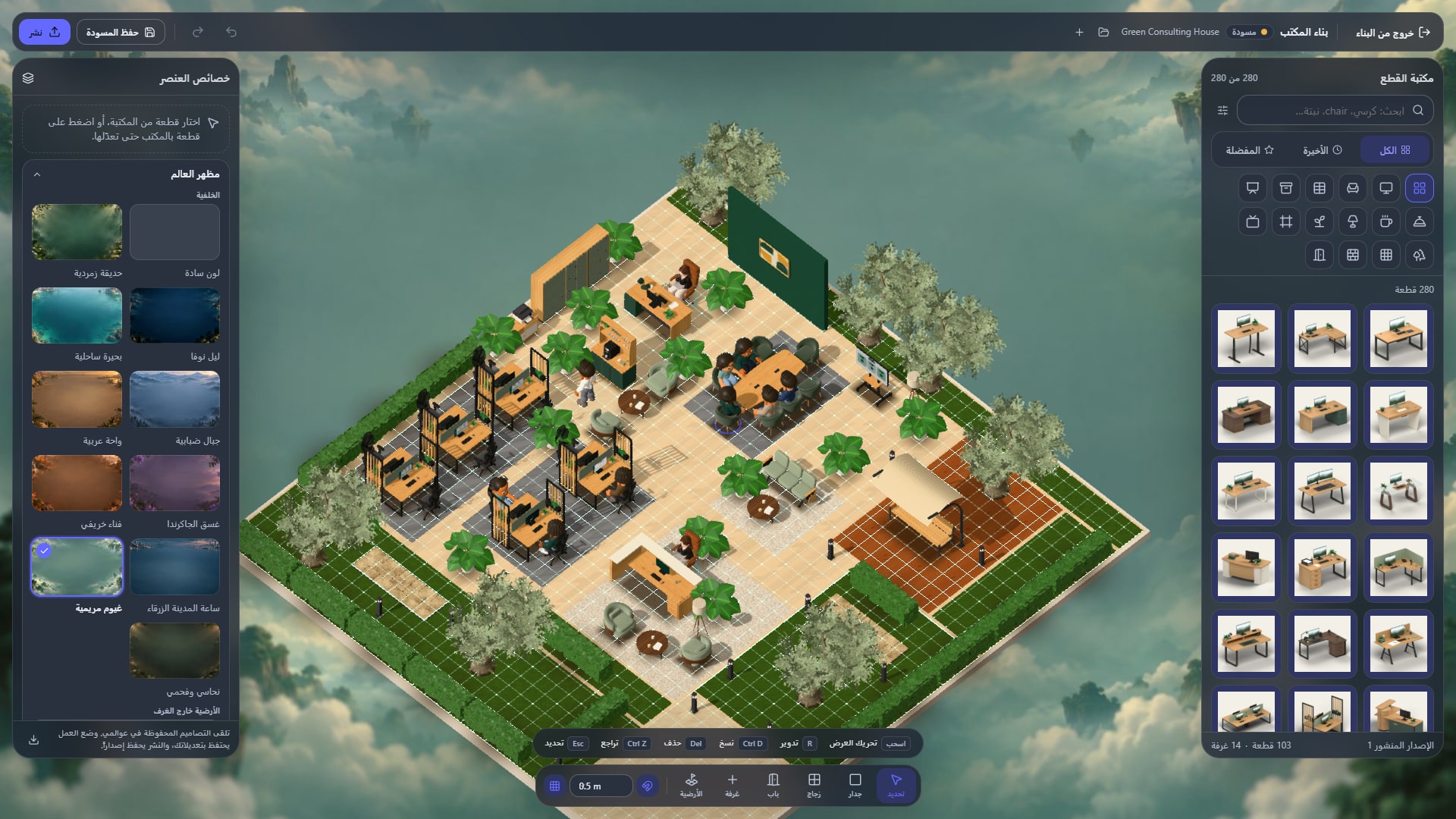
HyoNova combines the three-dimensional Nova World office, presence, rooms and meetings with people, projects, customers, files, support, email and signing. It runs in a modern browser in Arabic and English. The 3D office needs a screen wider than a phone for its intended experience.
Choose an office template, invite the team and organise project work. Serene uses permitted knowledge and tools, while important actions remain subject to human approval.
Start with one project
Choose a small project with a clear outcome and owner.
Invite relevant people with appropriate roles and organise the approved files.
Create tasks and dates, and agree where decisions are recorded.
Use a project room for discussion and the work list for execution.
Review the experience before expanding to other departments.
Use onboarding as a test
Ask a new member to find a project, identify its owner, open the right file and request help. Record where explanation was needed. Compare this experience with permissions, plan capacity and the data export your company needs.
Try it with your team
Start free with HyoNova and evaluate one real workflow with your team. Review plans and capacities for your company.
Product information reviewed on 18 October 2026 against the official product page.